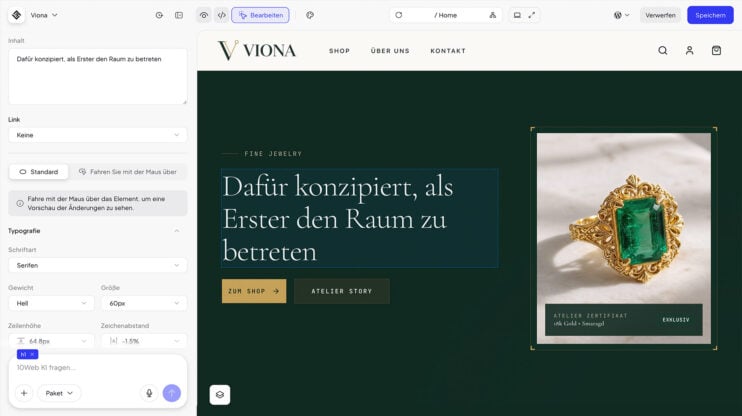
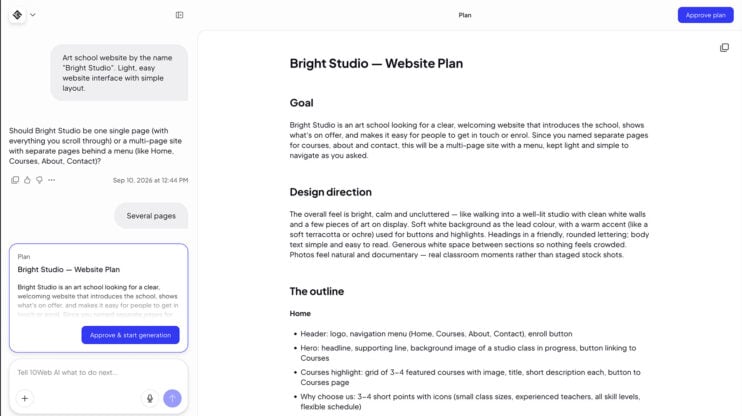
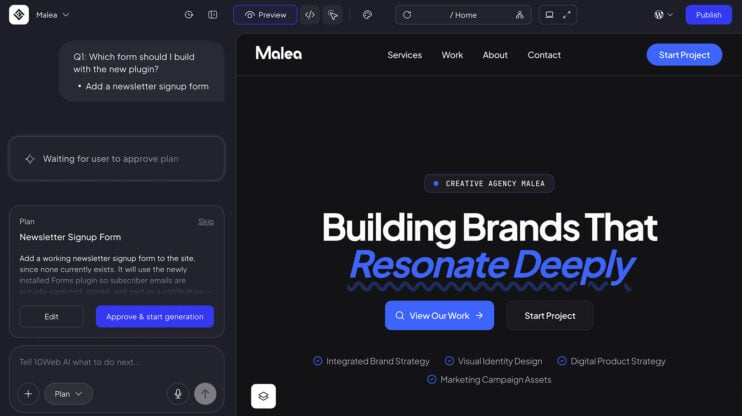
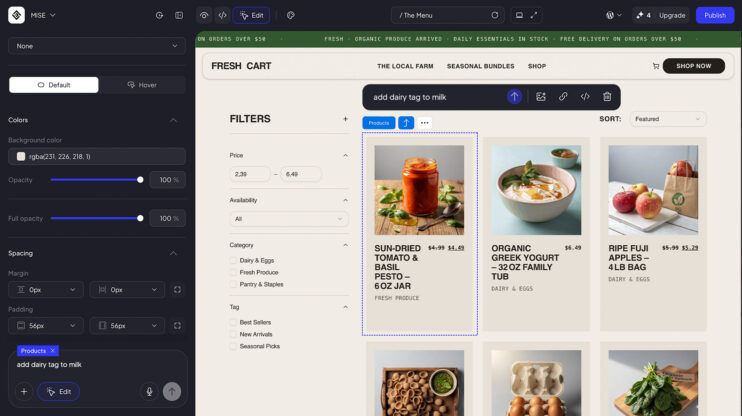
The mobile editor has been rebuilt. AI chat and the site preview now sit on one swipe rail, so you swipe between talking to the AI and checking the result instead of hunting for a toggle. The rebuild also brings new toolbars, new menus and a new publish sheet.
This matters most to builders who edit and publish from a phone and want the same AI chat flow they have on desktop.
How to use it
- Open your site in the editor on a phone.
- Swipe between AI chat and the preview on the swipe rail.
- Use the new toolbars and menus to edit, then publish from the publish sheet.
Good to know
- Chat and preview share one swipe rail; nothing else changes about how AI chat edits your site.
- The mobile editor is part of the AI Website Builder. See plans on the 10Web platform.
Share article