Agentic editor
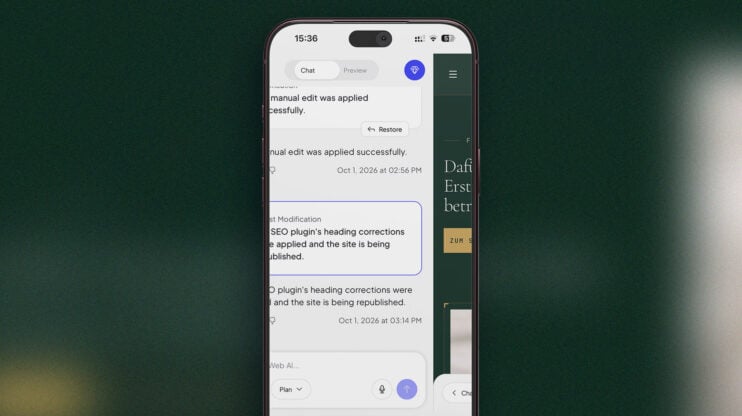
Mobile editor rebuilt: chat and preview on one swipe rail
The mobile editor has been rebuilt. AI chat and the site preview now sit on one swipe rail, so you swipe between talking to the AI and checking the result instead of hunting for a toggle. The rebuild also brings new toolbars, new menus and a new publish sheet. This matters most to builders who edit and publish from a…
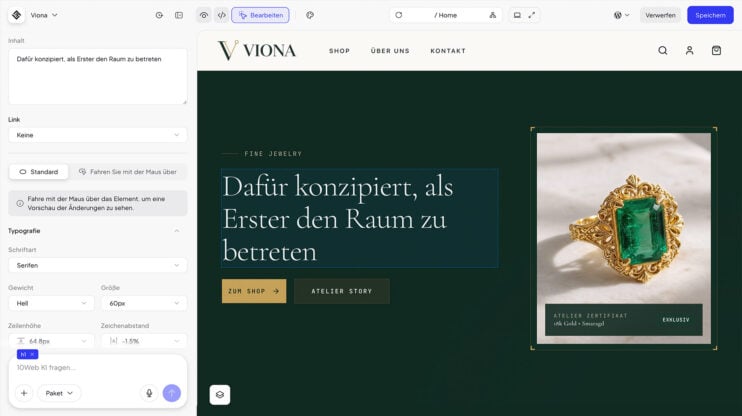
Editor in your site’s language: German, Spanish, French, Italian, and More
The editor now uses your site’s language. If your site is built in German, Spanish, French, Italian, Norwegian, Dutch, Portuguese or Russian, AI chat and the Visual editor show their controls in that language. Anything not yet translated stays in English. This matters most to builders and agencies working in one of these 8 languages who until now edited a…
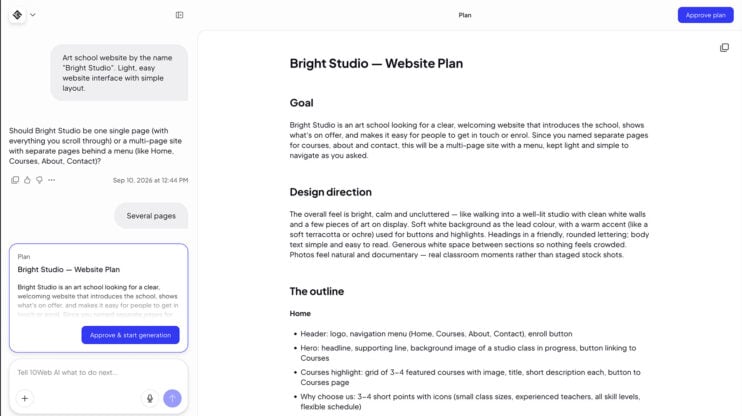
Meet the Planner Agent: review and edit the AI’s plan before it builds
The Planner Agent turns your prompt into a plan you approve. For every request it writes a unique plan, like a PRD for your website, and 10Web builds from exactly that plan. It works at both ends: when your site is generated in onboarding, and when you ask for a change in the editor. This matters most to builders who…
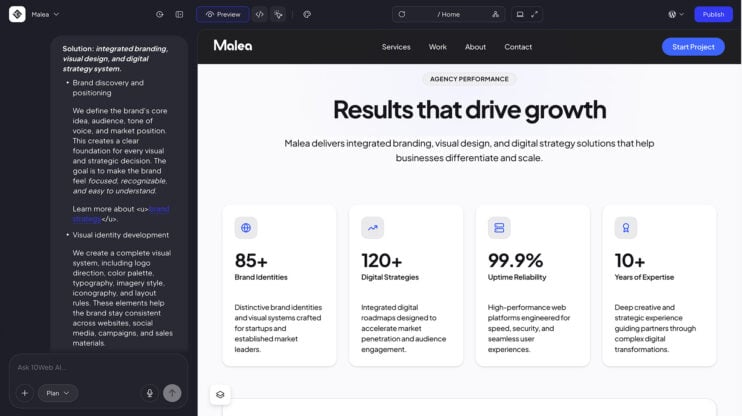
Keyboard formatting in AI chat: bold, lists, and clean paste as you type
The AI chat box and the plan editor now support formatting straight from the keyboard. Bold, italic, strikethrough, inline code, and headings work without a toolbar. How to use it Write in the AI chat box or the plan editor. Format as you type: bold, italic, strikethrough, inline code, and headings, no toolbar needed. Type “- ” or “1. ”…
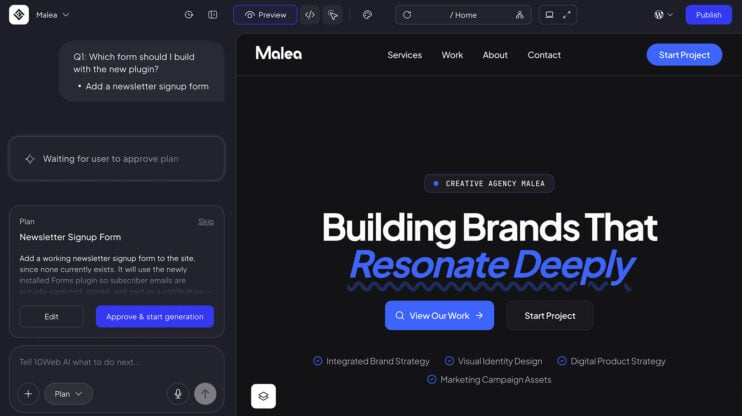
Install WordPress plugins directly via AI chat
Ask AI chat to install a plugin. The AI recommends a WordPress plugin and presents it in the conversation with two options: install and activate it, or decline it. The whole decision happens in chat. How to use it Open AI chat on your site. Ask it to install a plugin. Review the WordPress plugin the AI recommends, then install…
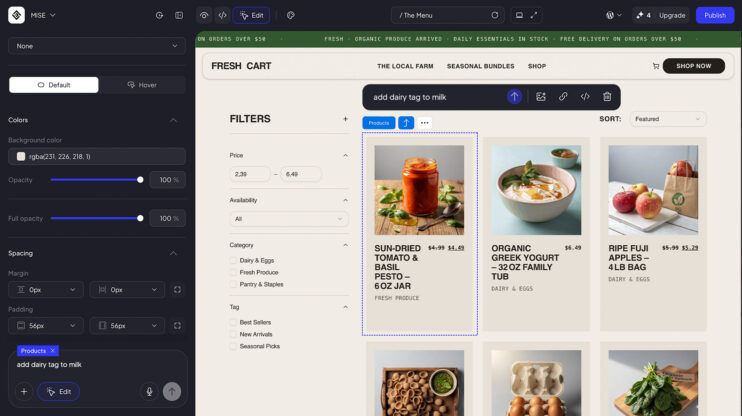
Update WooCommerce products, categories, and tags through AI chat
You can now update your WooCommerce products, categories, and tags through AI chat. This release also includes fixes for adding products and categories. How to use it Open AI chat on your WooCommerce site. Ask it to update your products, categories, or tags. Good to know Includes fixes for adding products and categories. See plans on the 10Web platform.