
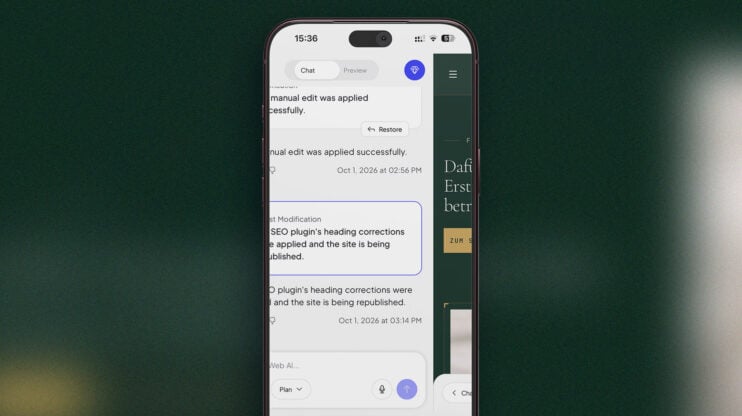
Mobile editor rebuilt: chat and preview on one swipe rail
The mobile editor has been rebuilt. AI chat and the site preview now sit on one swipe rail, so you swipe between talking to the AI and checking the result instead of hunting for a toggle. The rebuild also brings new toolbars, new menus and a new publish sheet. This matters most to builders who edit and publish from a…
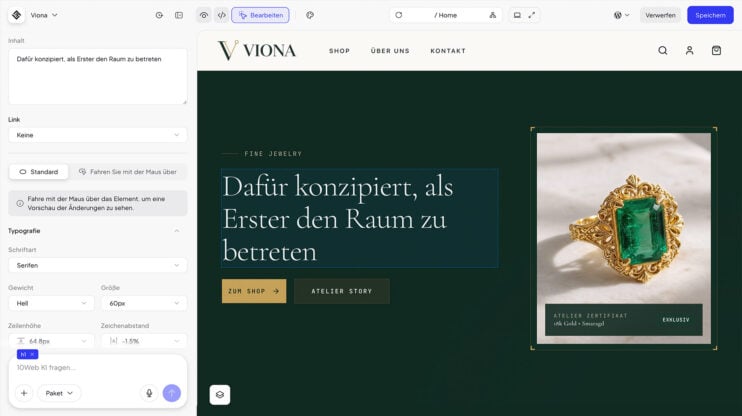
Editor in your site’s language: German, Spanish, French, Italian, and More
The editor now uses your site’s language. If your site is built in German, Spanish, French, Italian, Norwegian, Dutch, Portuguese or Russian, AI chat and the Visual editor show their controls in that language. Anything not yet translated stays in English. This matters most to builders and agencies working in one of these 8 languages who until now edited a…
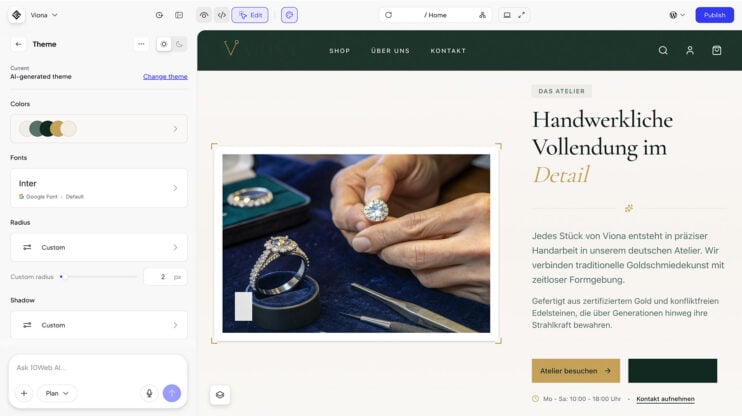
Design themes for cloned and redesigned sites
Design themes now work on cloned and redesigned sites, not only on sites built from scratch. Clone a site or redesign an existing one, then apply a design theme to change its look the same way you would on a fresh build. This matters most to agencies and freelancers who start client projects from an existing site and want the…
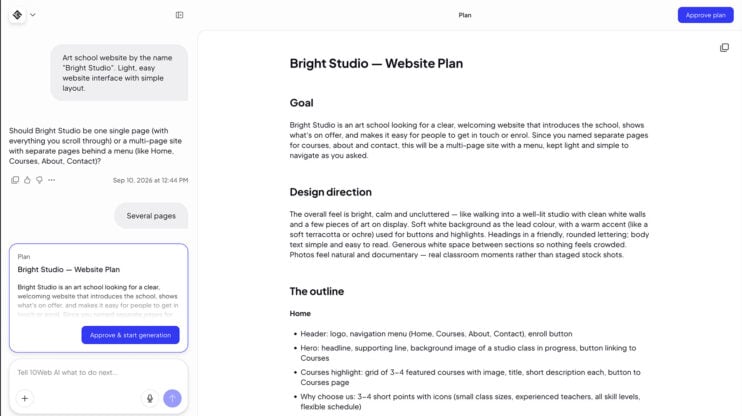
Meet the Planner Agent: review and edit the AI’s plan before it builds
The Planner Agent turns your prompt into a plan you approve. For every request it writes a unique plan, like a PRD for your website, and 10Web builds from exactly that plan. It works at both ends: when your site is generated in onboarding, and when you ask for a change in the editor. This matters most to builders who…
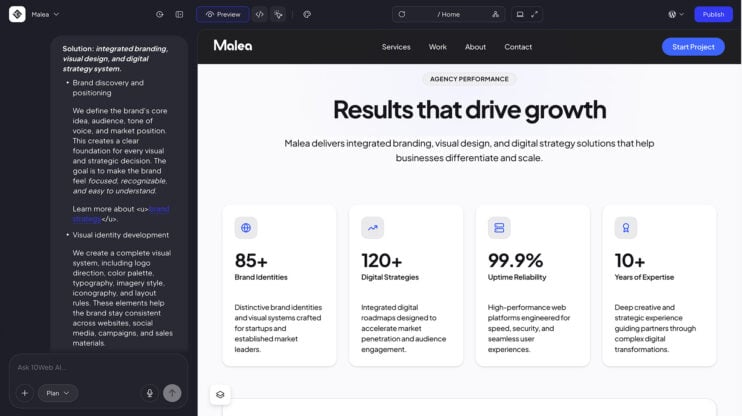
Keyboard formatting in AI chat: bold, lists, and clean paste as you type
The AI chat box and the plan editor now support formatting straight from the keyboard. Bold, italic, strikethrough, inline code, and headings work without a toolbar. How to use it Write in the AI chat box or the plan editor. Format as you type: bold, italic, strikethrough, inline code, and headings, no toolbar needed. Type “- ” or “1. ”…
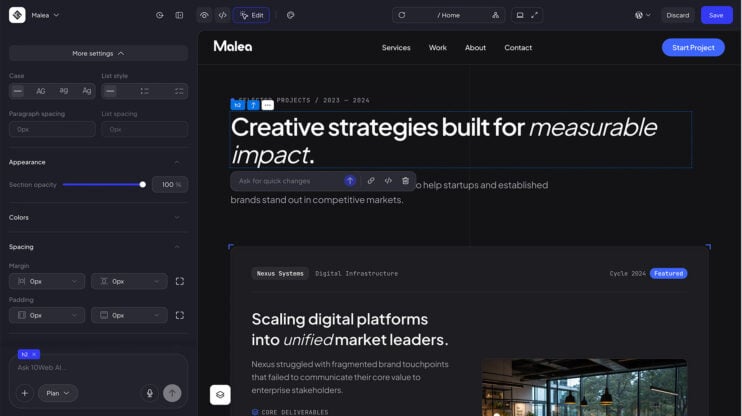
Text formatting in the Visual Editor: case, lists, spacing, and stroke
We shipped new settings for more granular control over text editing in the Visual Editor: text case, lists, paragraph and list spacing, and text stroke. How to use it Select a text element in the Visual Editor. Open Typography, then More settings. Set the text case, turn the block into a bullet list or checklist, adjust paragraph and list spacing,…
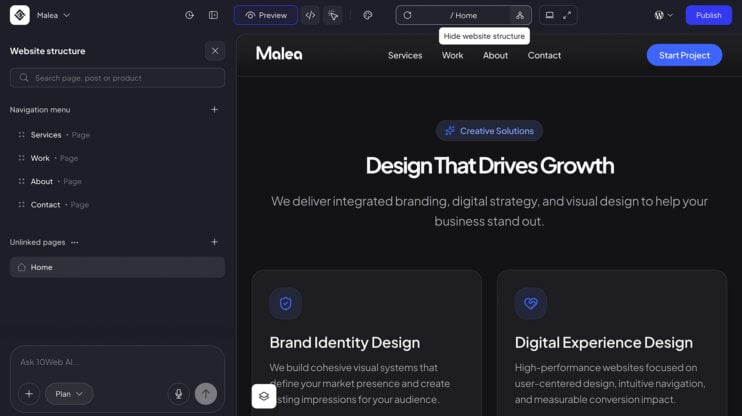
Website structure panel: manage pages, menus, posts and products
The Visual Editor now has a website structure panel: a side panel that shows the whole site at a glance, with the navigation menu, unlinked pages, posts, products and categories in one place. How to use it Open the structure panel from the structure icon, or from “Manage pages” in the address bar. Build the menu without leaving the editor:…
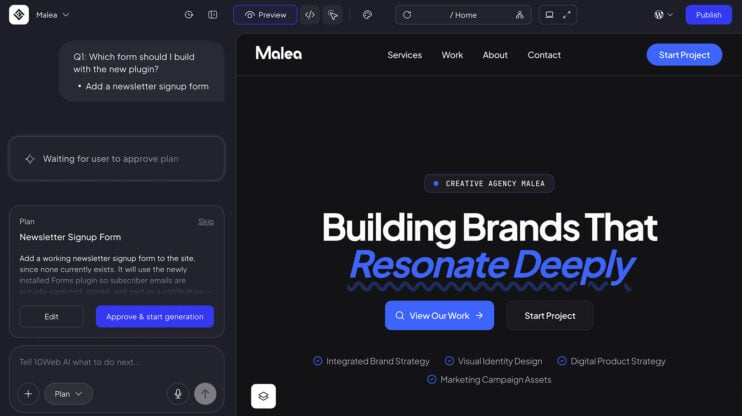
Install WordPress plugins directly via AI chat
Ask AI chat to install a plugin. The AI recommends a WordPress plugin and presents it in the conversation with two options: install and activate it, or decline it. The whole decision happens in chat. How to use it Open AI chat on your site. Ask it to install a plugin. Review the WordPress plugin the AI recommends, then install…
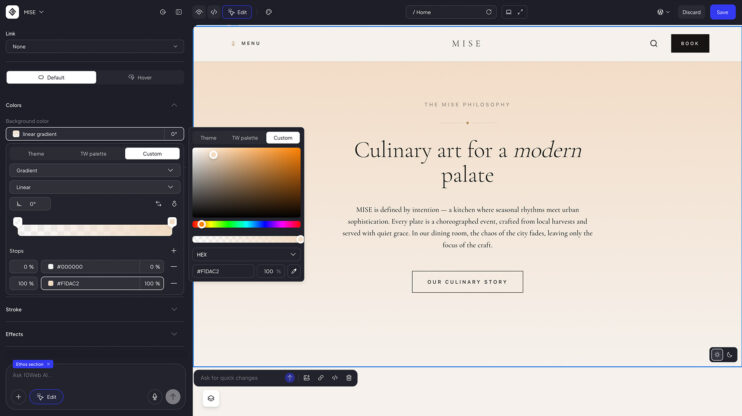
Gradient color editing in the visual editor
You can now edit gradient colors directly in the visual editor. What changed Gradient color editing was added to the visual editor, alongside the existing color and typography controls. A gradient is one of the fastest ways to make a hero section or a call to action feel deliberate, and now it is a few clicks in the visual editor….
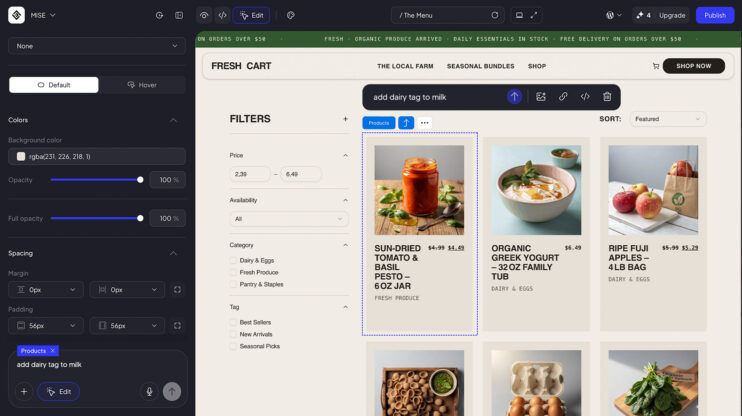
Update WooCommerce products, categories, and tags through AI chat
You can now update your WooCommerce products, categories, and tags through AI chat. This release also includes fixes for adding products and categories. How to use it Open AI chat on your WooCommerce site. Ask it to update your products, categories, or tags. Good to know Includes fixes for adding products and categories. See plans on the 10Web platform.
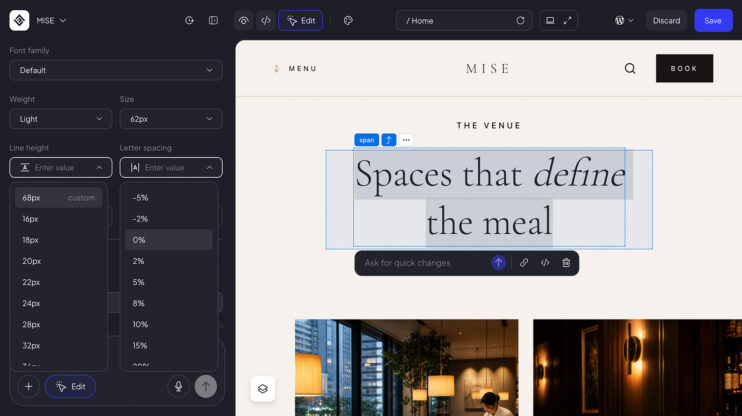
Advanced typography controls: letter spacing and line height
The visual editor now has advanced typography controls, including letter spacing and line height. What changed Letter spacing and line height joined the typography controls in the visual editor. Tighten a headline that reads too loose, open up a paragraph that reads too cramped, and see the result while you work.
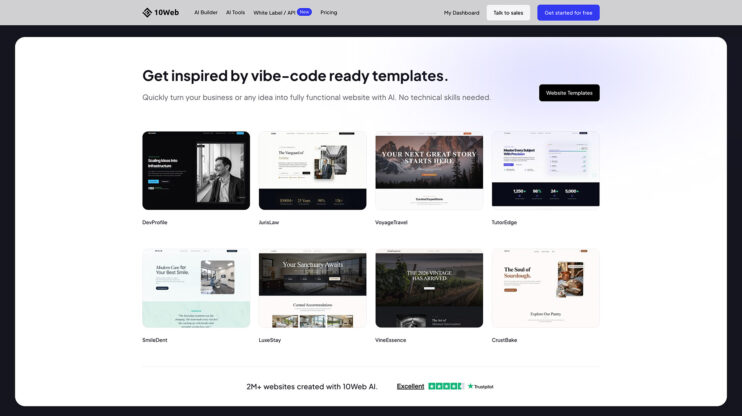
Templates and remix, handed to your customers under your brand
You can now provide 10Web’s templates and remix functionality to your own customers through the White Label Reseller Dashboard. What changed Reseller Dashboard clients can integrate remix functionality. Your customers can browse 10Web’s templates and remix them directly, under your brand. This matters most to MSPs, agencies, and resellers, because templates and remix become an acquisition feature: something prospects can…
