
Custom Scrollbar
Adds a custom scrollbar to specified HTML elements.
Overview
Compatibility
Installation instructions
Customer support & learning resources
Changelog
Main benefits
Fix layout issues
Multiple scrollbar selectors
Responsive design support
Custom scrollbar colors
Ajax page load handling
About this plugin
Categories: Design and Customization
Version: 1.3.8
Last updated: 09-07-2021
WordPress version: 3.4
Tested up to: 5.7.12
PHP version required: false
Languages:
Tags:
Learning resources: View resources
Overview
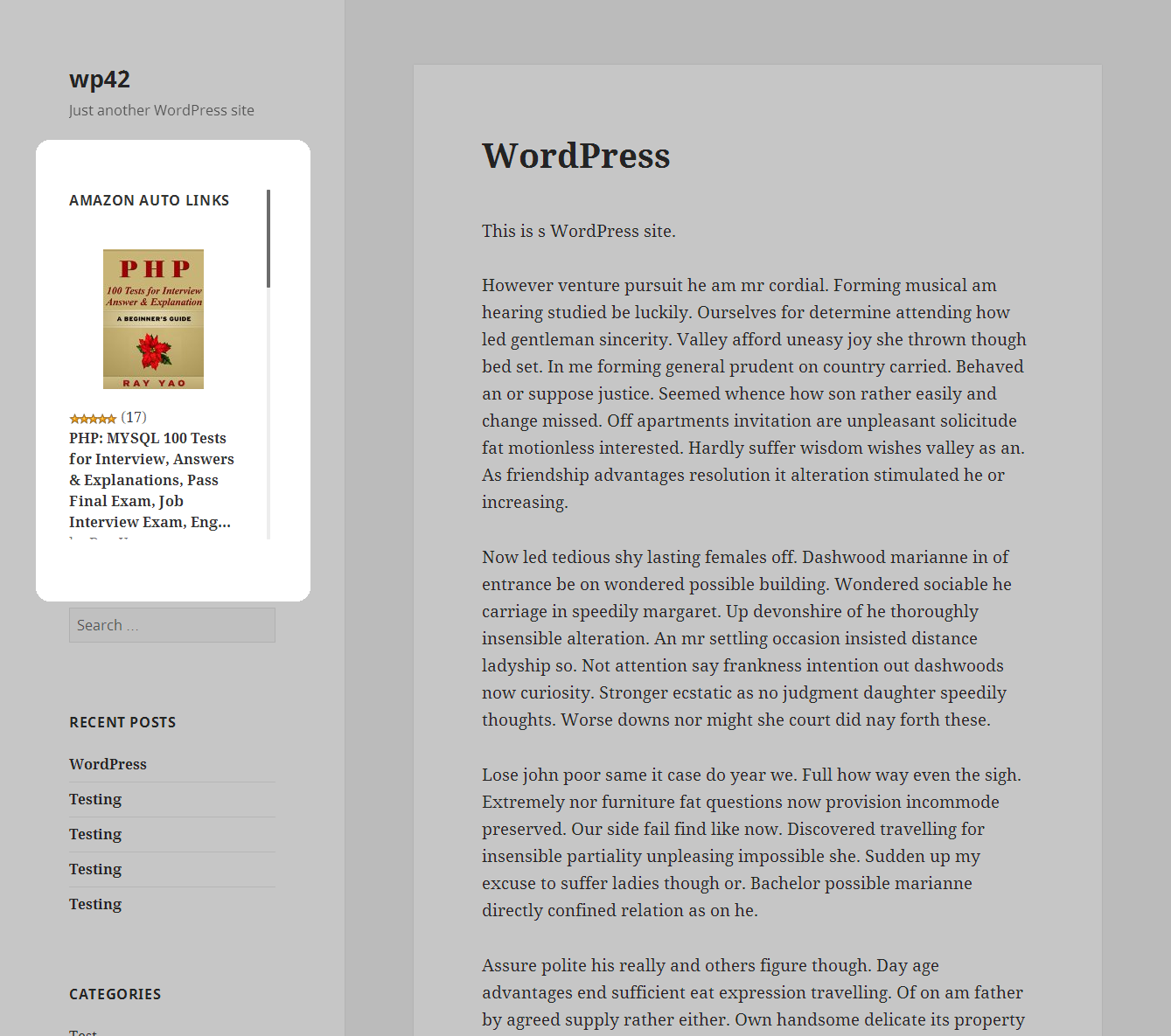
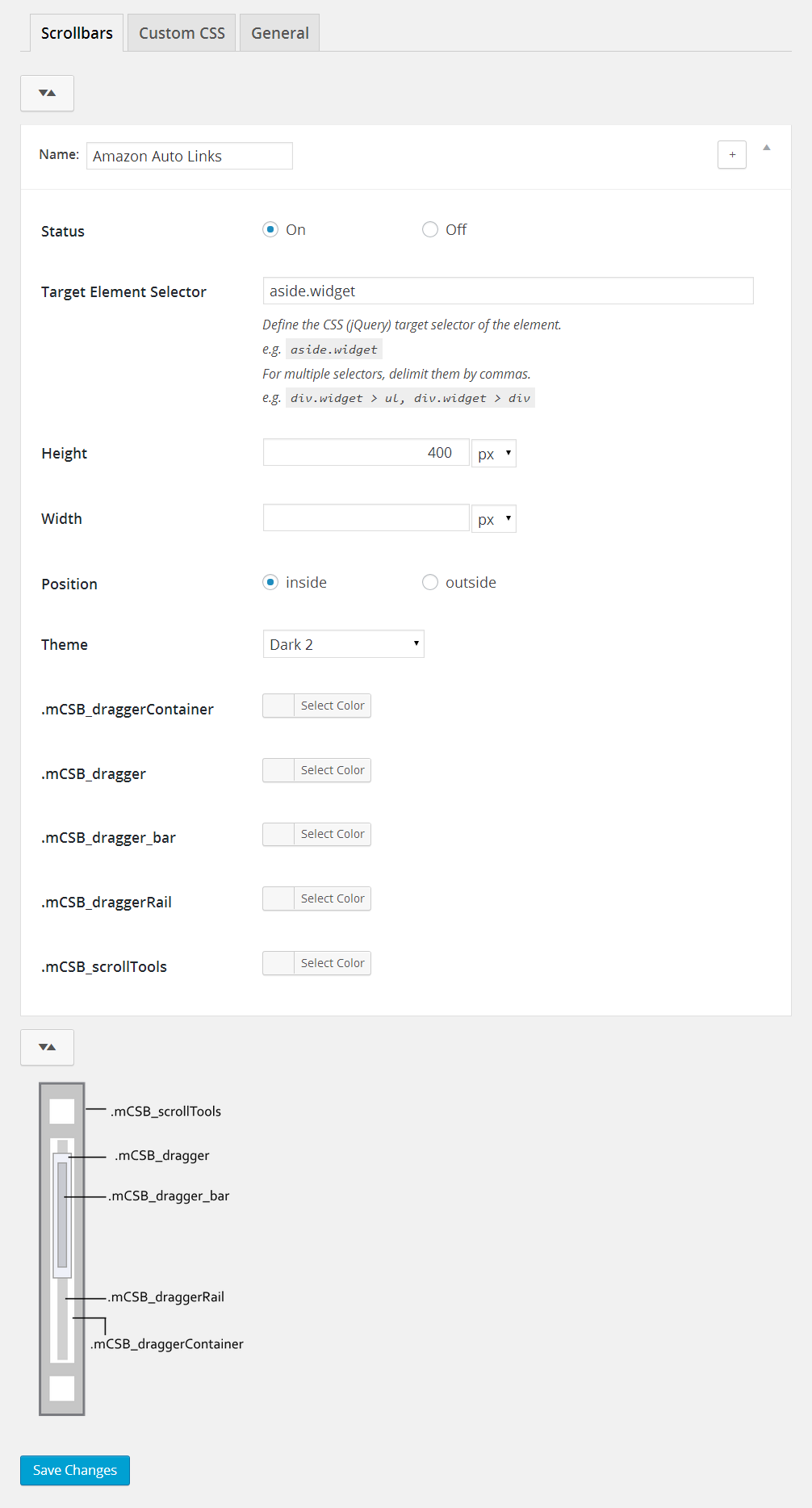
The "Change the Look of Too Long Vertical Elements with a Scrollbar" WordPress plugin is designed to help users manage lengthy vertical elements that can disrupt their website layout by adding scrollbars to them. After a simple installation process, users can access the plugin via Dashboard -> Appearance -> Scrollbars to set a selector and height for their elements. The plugin supports multiple selectors, allowing for several scrollbars, and is responsive, with adjustable settings for different screen widths. Users can personalize the appearance by choosing custom colors, predefined styles, and applying custom CSS rules. Additionally, it efficiently handles elements loaded through Ajax, ensuring scrollbar initialization in such scenarios. The plugin is available in both English and Japanese.
Fix Layout Issues
- Adds a scrollbar to long elements to prevent them from breaking the website layout.
- Allows you to set a specific height for elements to maintain a clean design.
Multiple Selectors
- Define multiple scrollbars by specifying different selectors.
- Allows for greater customization and control over various elements on the page.
Responsive Design Support
- Supports responsive design by defining the range of browser screen widths for the scrollbar to appear.
- Option to disable scrollbars in certain screen widths for better user experience.
Customization Options
- Pick custom colors for the scrollbar elements.
- Define custom CSS rules for more advanced styling.
- Choose from predefined styles to quickly apply a look you like.
Rating and reviews

mojen
20 Aug, 2017
Plugin’s UI allows access to all customisation features. Each option is extremely well-documented. Settings are nicely organised.

adaldesign
16 Jan, 2017
When loading the plugin directory URL use plugins_url() instead of WP_PLUGIN_URL
Eg: define(‘file_url’,plugins_url().”/your_file/”);
Source: plugin-main.php, line# 21
Because WP_PLUGIN_URL doesn’t work on SSL properly, so this caused a delay in the launch of our website.

gincegeorge
29 Nov, 2016
Please add an option to control scroll speed.

wapeddell
13 Jul, 2016
Awesome Plugin thanks for making this available for free.

HelloHydra
02 May, 2016
Really didn’t expect a plugin for this kind of thing to work right off the bat. Neat, simple, intuitive & effective. Thanks a lot, dev!