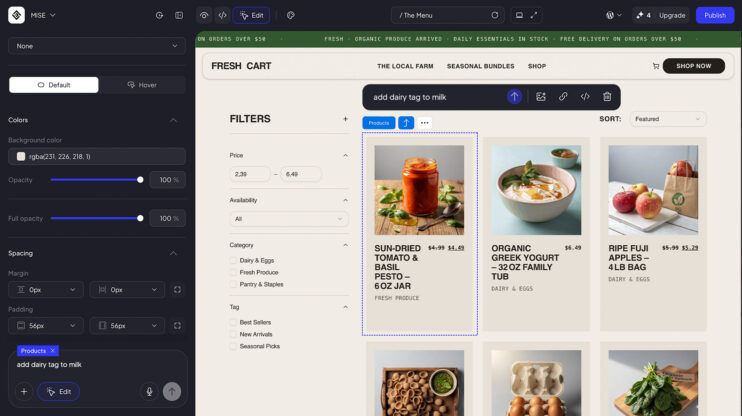
Ask AI chat to install a plugin. The AI recommends a WordPress plugin and presents it in the conversation with two options: install and activate it, or decline it. The whole decision happens in chat.
How to use it
- Open AI chat on your site.
- Ask it to install a plugin.
- Review the WordPress plugin the AI recommends, then install and activate it, or decline it, right in the conversation.
Good to know
- The AI does the recommending. You make the call: install and activate, or decline.
- AI chat is part of the AI Website Builder.
- See plans on the 10Web platform.
This matters most to WP professionals, who can now settle plugin choices inside the conversation.
Share article