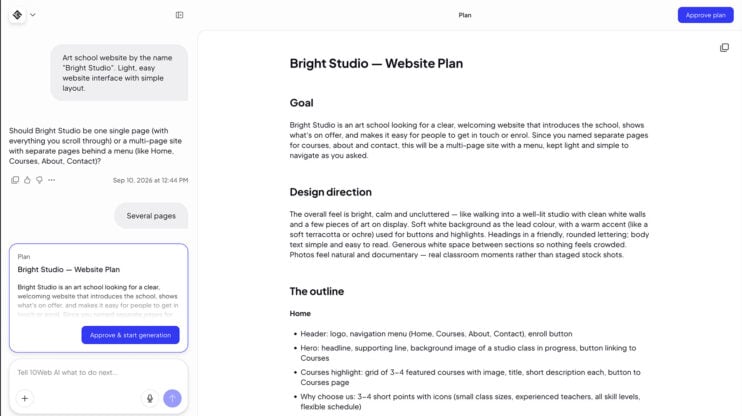
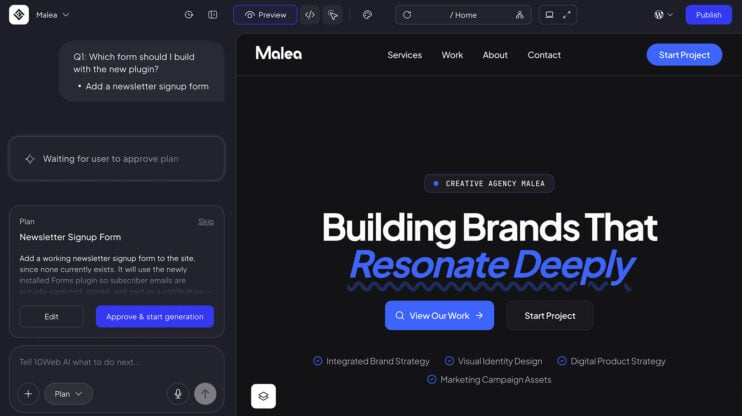
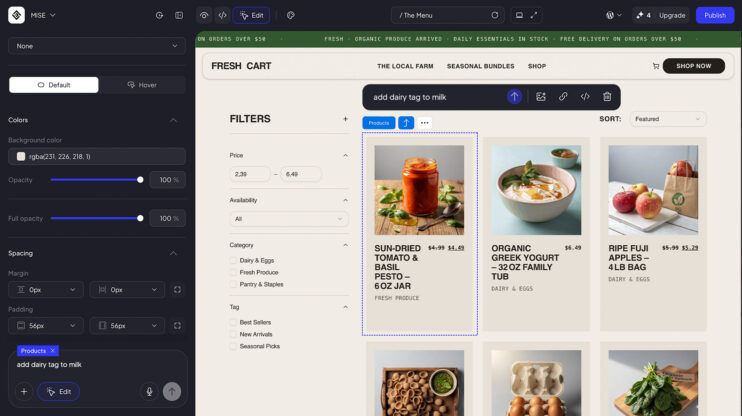
The AI chat box and the plan editor now support formatting straight from the keyboard. Bold, italic, strikethrough, inline code, and headings work without a toolbar.
How to use it
- Write in the AI chat box or the plan editor.
- Format as you type: bold, italic, strikethrough, inline code, and headings, no toolbar needed.
- Type “- ” or “1. ” to start a list. An empty item leaves the list.
Good to know
- Drop a URL over selected text and it becomes a link.
- Pasted rich text arrives clean instead of keeping its styling.
- AI chat is part of the AI Website Builder. See plans on the 10Web platform.
This matters most to builders who write longer prompts and plans and want them formatted without leaving the keyboard.
Share article