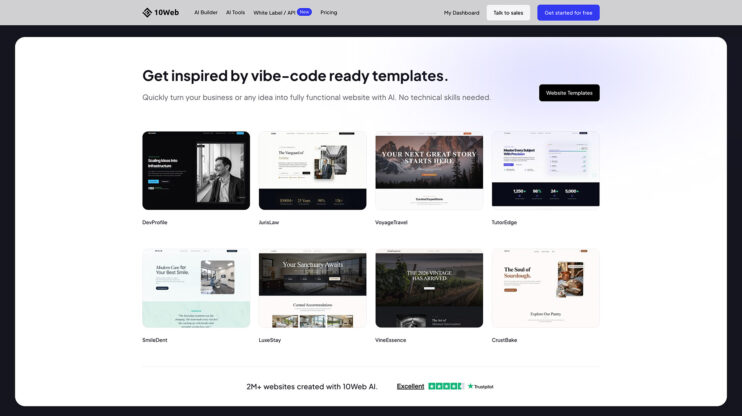
Design themes now work on cloned and redesigned sites, not only on sites built from scratch. Clone a site or redesign an existing one, then apply a design theme to change its look the same way you would on a fresh build.
This matters most to agencies and freelancers who start client projects from an existing site and want the same one-click theming as a new build.
How to use it
- Clone a site or run a redesign on an existing one.
- Open the site in the editor and pick a design theme.
- The theme applies to the cloned or redesigned site.
Good to know
- Before this release, design themes were available only on sites built from scratch.
- Design themes are part of the AI Website Builder. See plans on the 10Web platform.
Share article