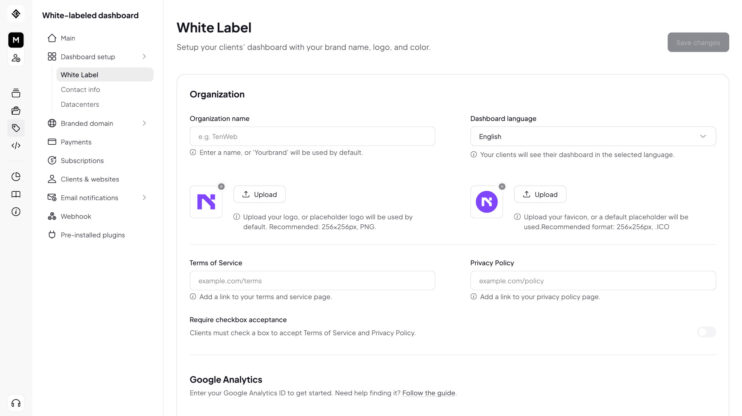
Connect your own Google Analytics key to your Reseller Dashboard and track how your clients use it: sign-ups, upgrades, and in-dashboard actions, all in your GA property.
This matters most to builders who run growth on data and want first-party visibility into client behavior under their own brand. It is part of the white label website builder.
How to use it
- Open the Branding settings in your Reseller Dashboard.
- Add your Google Analytics tracking ID.
- Client actions start flowing into your GA property. No extra setup.
Good to know
- Events land in your own GA property, not a shared 10Web one.
Share article