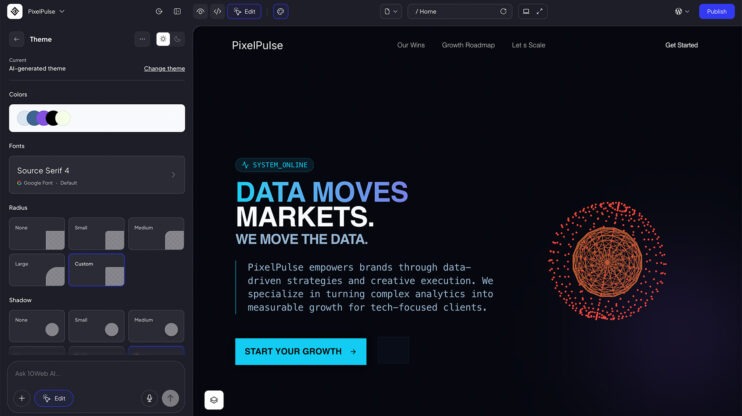
Got a site that needs to move to WordPress? Paste its URL and the Clone Agent rebuilds it as a working WordPress site that matches the source.
How to use it
- Open the AI Website Builder prompt field.
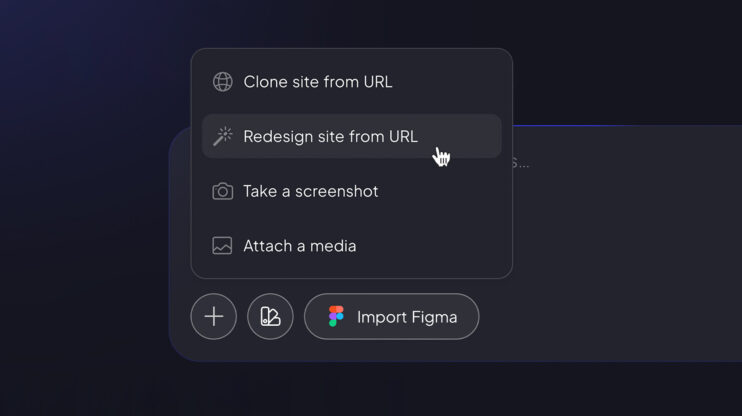
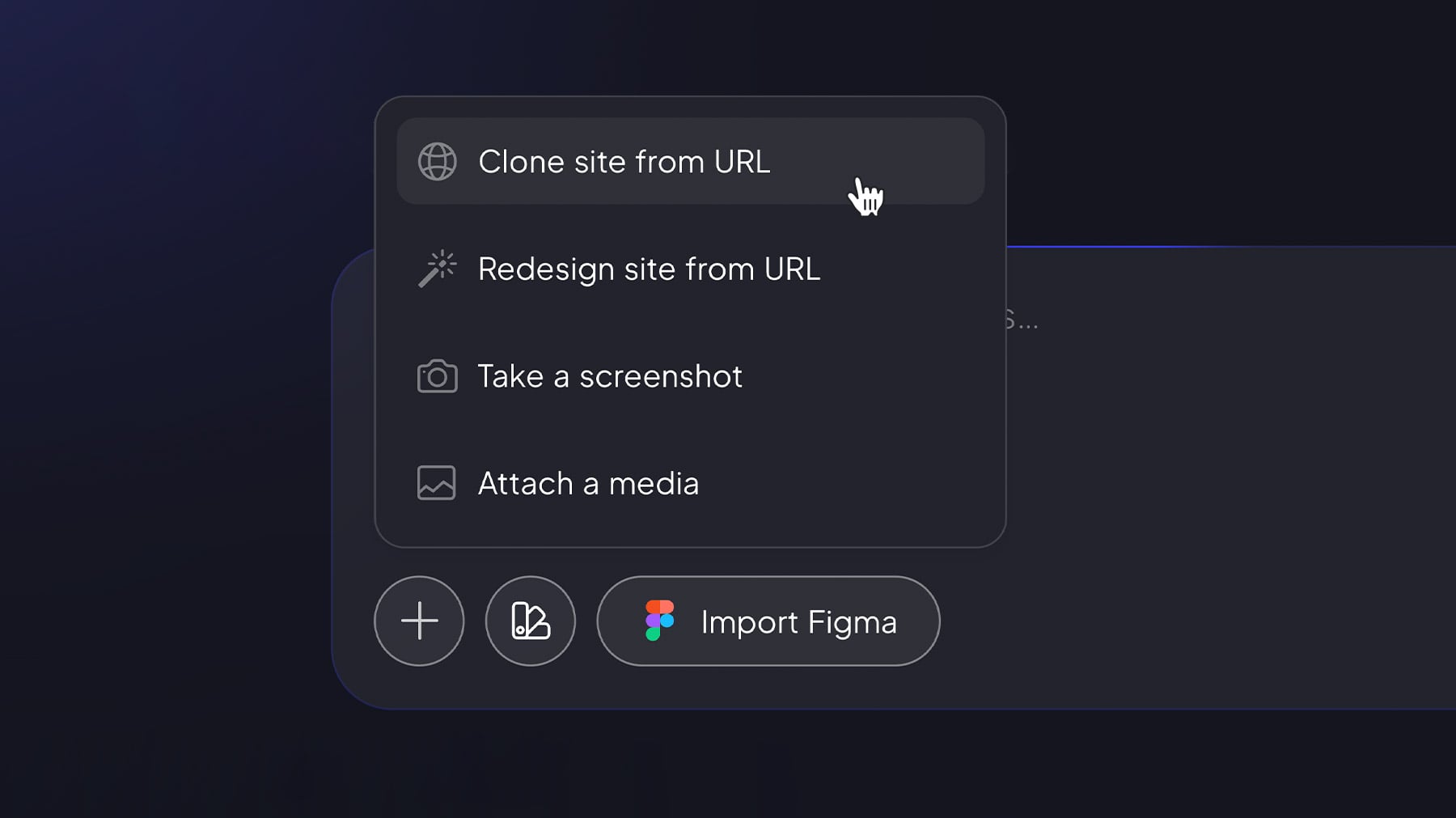
- Click the + icon and select Clone site from URL.
- Paste the source link and hit Generate — once Clone mode is selected, the URL is all the agent needs.
For agencies and freelancers, replatforming becomes an easy first step: “send us your current site URL.”
Current accuracy is ~70%, and we publish that number on purpose — plan around honest expectations, not marketing claims.
Good to know
- Cloning is page-level (not full-site)
- Works on initial generation only — it’s not in the editing workflow yet.
- Cloned pages keep their source styling inline for maximum fidelity, so Global Themes don’t apply to them.
- Not available for self-hosted partners yet — coming soon.
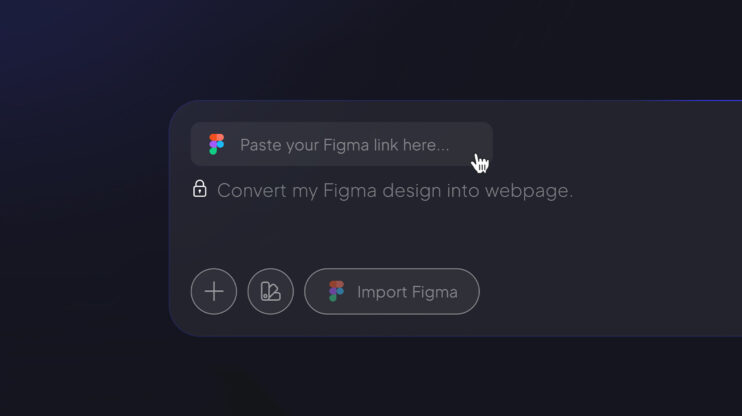
Want a modern refresh instead of an exact copy? Use the Redesign Agent. Starting from a design file? See the Figma Agent.
Share article