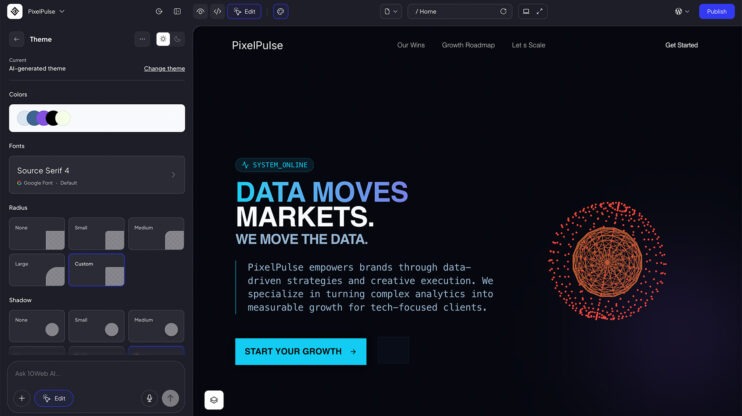
Point the Redesign Agent at any live site and get a modernized version — same content, same structure, new design language.
How to use it
- Open the AI Website Builder prompt field.
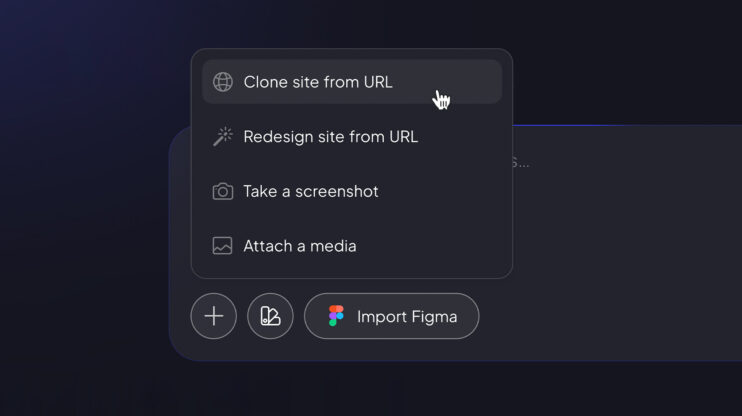
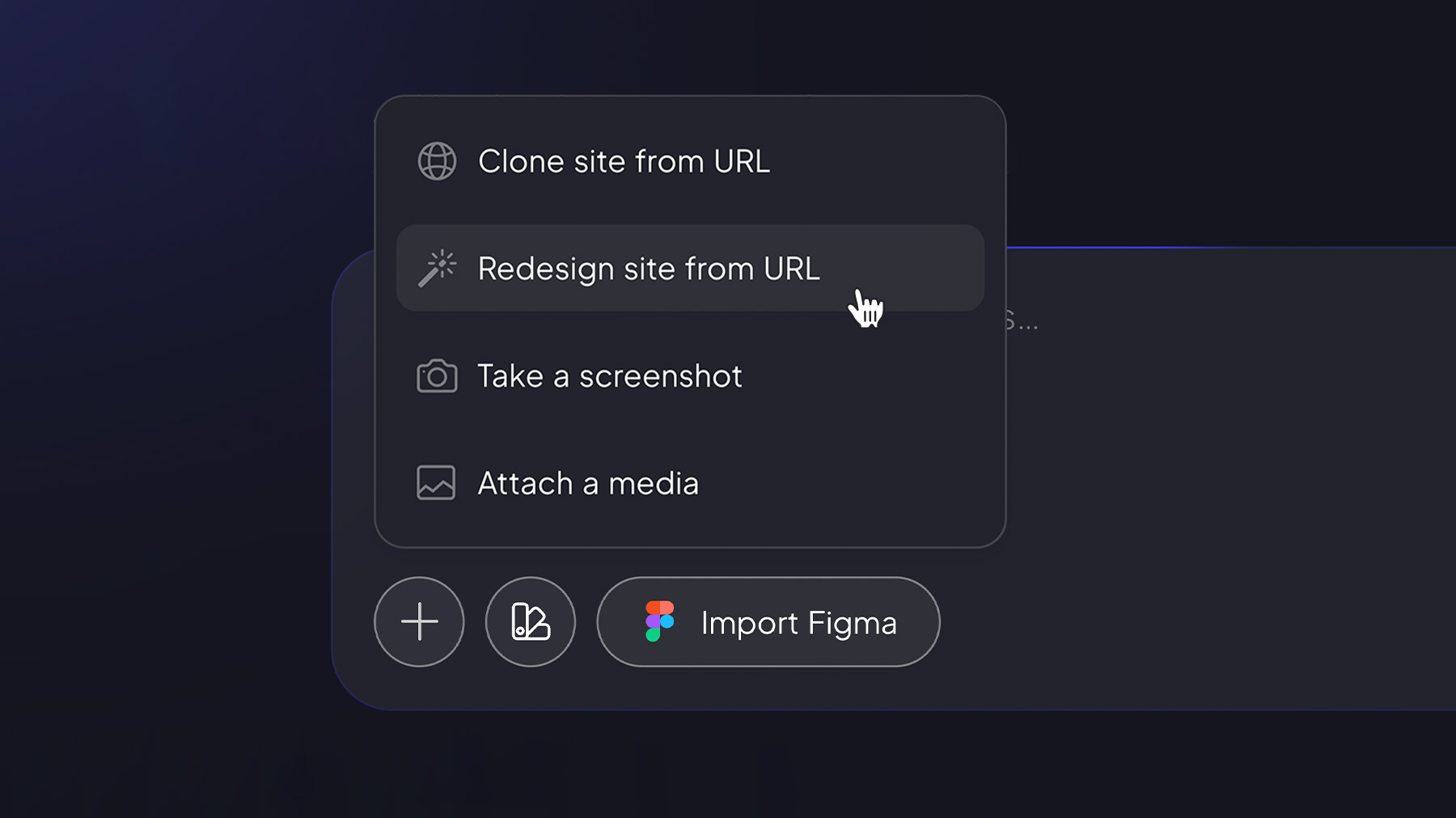
- Click the + icon and select Redesign site from URL.
- Paste the link and hit Generate. The agent keeps the existing content and replaces the design.
For agencies, it’s the most efficient new-business pitch there is: walk into any prospect with a “here’s your site, refreshed” demo.
Quality is strong across the board.
Good to know
- Page-level, not full-site
- Available for initial generation only (not yet in the editing interface).
- Global Themes don’t apply to redesigned pages.
- Unlike the Clone Agent, Redesign doesn’t aim for visual mimicry — it optimizes for modern design output.
- Not available for self-hosted partners yet — coming soon.
Share article