Connect your Figma account, paste a design link, and get a working WordPress site. No handoff specs, no rebuild from scratch.
How to use it
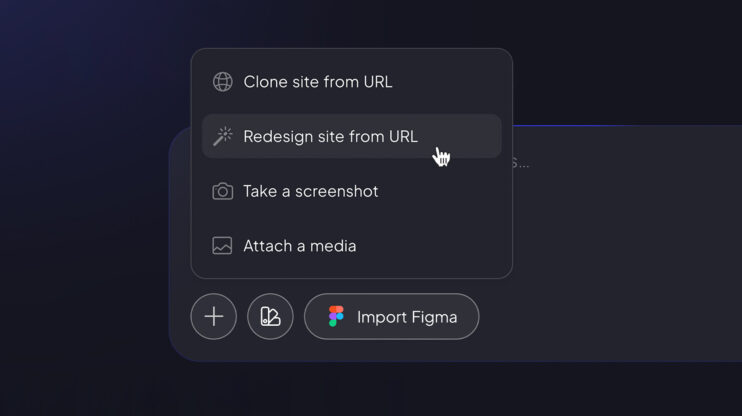
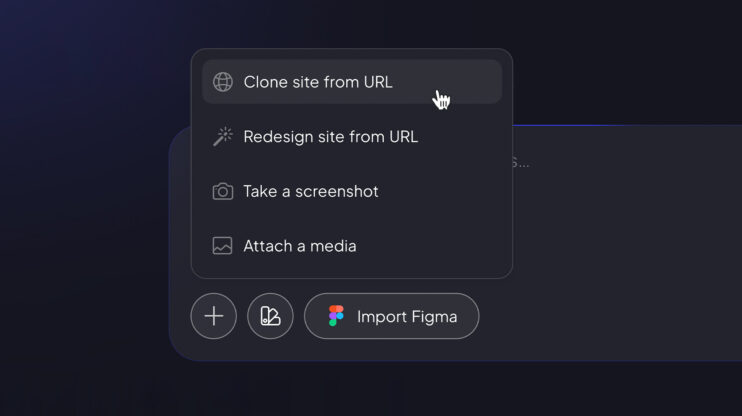
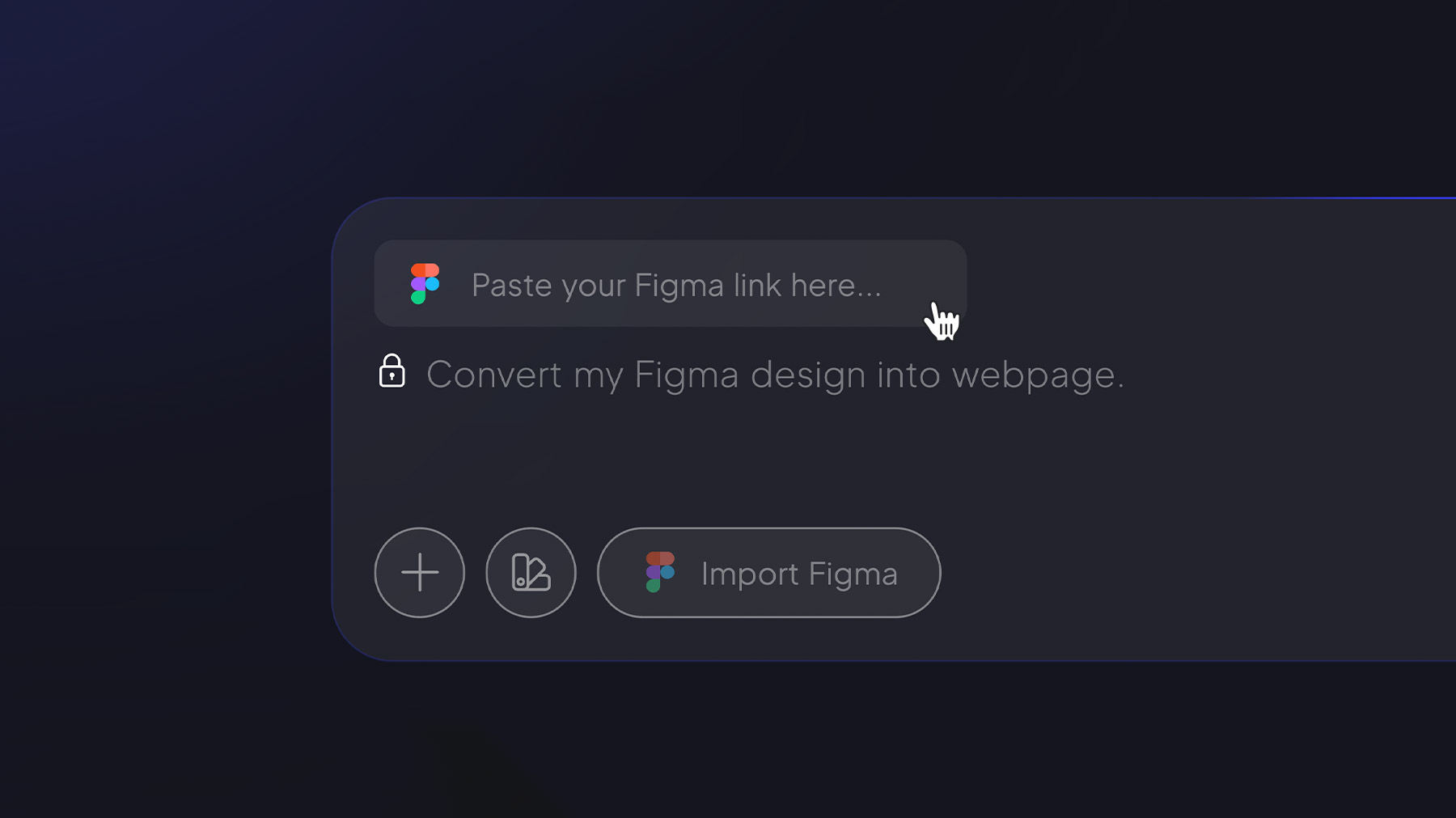
- In the AI Website Builder prompt field, click Import Figma (it sits right in the prompt field, not behind the + icon).
- Pair your Figma account when prompted.
- Paste the Figma file link and hit Generate — once Figma mode is selected, the link is all the agent needs.
At ~85–90% accuracy, Figma’s structured output translates to high-fidelity pages in a way URL-based cloning can’t. For agencies, designers ship straight from Figma to WordPress.
Good to know
- Requires a Figma account connection.
- Page-level, not full-site; initial generation only.
- Global Themes don’t apply to Figma-generated pages — inline styles preserve design fidelity.
- Not available for self-hosted partners yet — coming soon.
Importing a live site instead? See the Clone Agent and Redesign Agent.
Share article