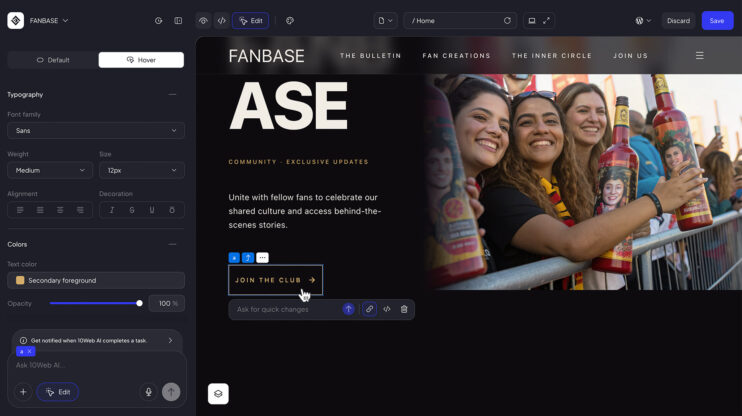
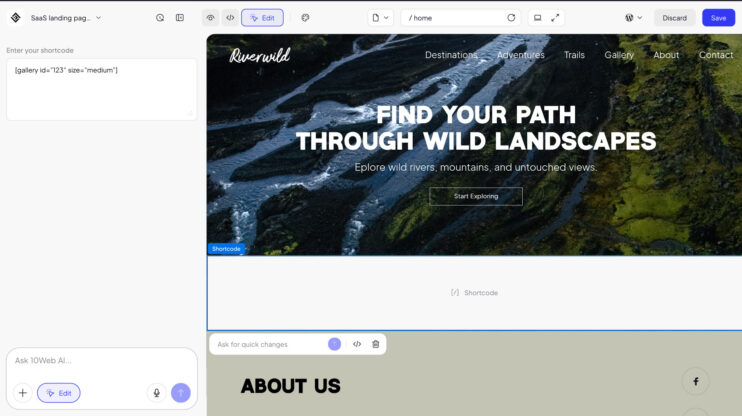
Restructuring a page no longer needs a prompt. A new miniature sections sidebar in Visual Editor shows your whole page at a glance. Grab any section, drag it into a new position, and the page updates live. And it works across your whole site: move a section to a different page, or duplicate it and send the copy to another page in a single click. It is built into the AI Website Builder.
If you build client sites, this replaces the prompt-and-check loop for layout work. You see the whole page, move one section, and nothing else shifts. The visual editor is included on every 10Web plan.
How to use it
- Open the sections sidebar in the editor.
- Drag a section thumbnail up or down.
- Drop it. The layout reflows instantly.
- To reuse a section elsewhere, drag it onto another page, or duplicate it and move the copy in one click.
Good to know
- Works alongside AI editing: generate with a prompt, fine-tune the order by hand.
- Cross-page moves and one-click duplicate-to-page shipped July 13 as part of the Visual Editor enhancements.
Share article