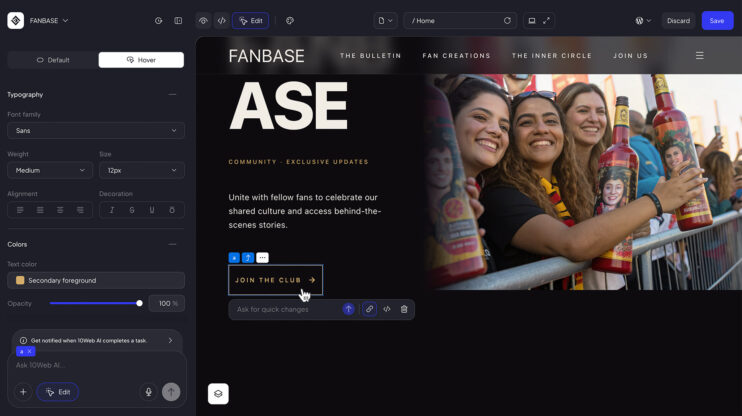
Shortcodes are how WordPress adds pre-made sections with some functionality: forms, galleries, pricing tables, booking widgets, and thousands more from plugins. Now you can add them directly inside the 10Web editor. Type a shortcode into the chat, or open the sidebar and use the Add Shortcode button.
In the preview, every shortcode renders as its own block.
This matters most to freelancers and small business owners who lean on WordPress plugin features like forms, bookings, and galleries but do not want to write code. The editor ships with every 10Web plan and pairs with the AI Website Builder generation flow.
How to use it
- Open your site in the editor.
- Add a shortcode one of two ways: type it in the chat input, or click Add Shortcode in the sidebar.
- Check the preview. The shortcode appears as its own block.
Good to know
- Works with standard WordPress shortcodes, including those registered by your installed plugins.
Share article