How do I lay out my wash packages so customers pick fast?


The templates come with tiered pricing sections made for this, so you can line up your washes, basic through premium, with what each includes and its price in a clean, scannable menu. Customers choose a wash in seconds, so that side-by-side layout is what nudges them toward a higher tier. You're just slotting in your packages, not designing the table.
Will customers be able to buy a wash before they arrive?
They will. Checkout runs on Stripe with one-click Apple Pay and Google Pay, so someone can pay for a package or plan from their phone on the way over. Prepaid washes move your line faster and lock in the sale before they pull in. It's all handled through secure checkout.
I have several locations, can the site handle that?
Yes. The templates give you space to present each site with its own map, hours, and any service differences, so a customer quickly finds their nearest wash. For a business people choose on convenience, that clear per-location detail is what turns a search into a visit. Updating any location's info is a quick edit.
What's involved in building the site itself?
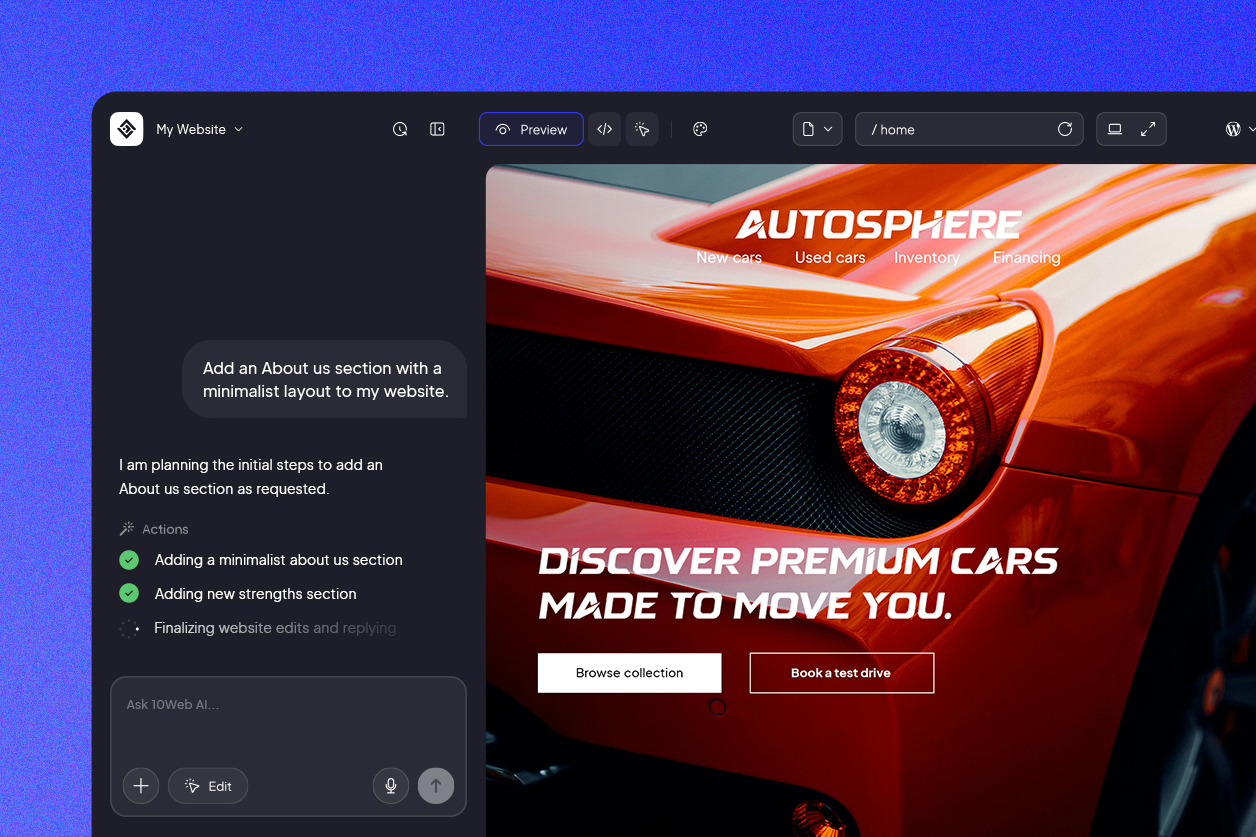
Not much. You pick a car wash template, reshape it in 10Web's AI-powered visual editor by typing what you want changed or editing on the page directly, and publish, no code, and it runs on WordPress. Most washes are live the same day, and swapping a price or adding a location later takes a couple of minutes.
How do drivers nearby end up on my site?
Mostly through local search, "car wash near me" or "car wash in [city]," often from a phone. The fast, search-ready pages these templates are built on give you a real chance at showing up, and naming your locations, services, and plans across the site is what puts you in front of drivers right when they want a wash.




 Back
Back


