What should an electrician's website include?


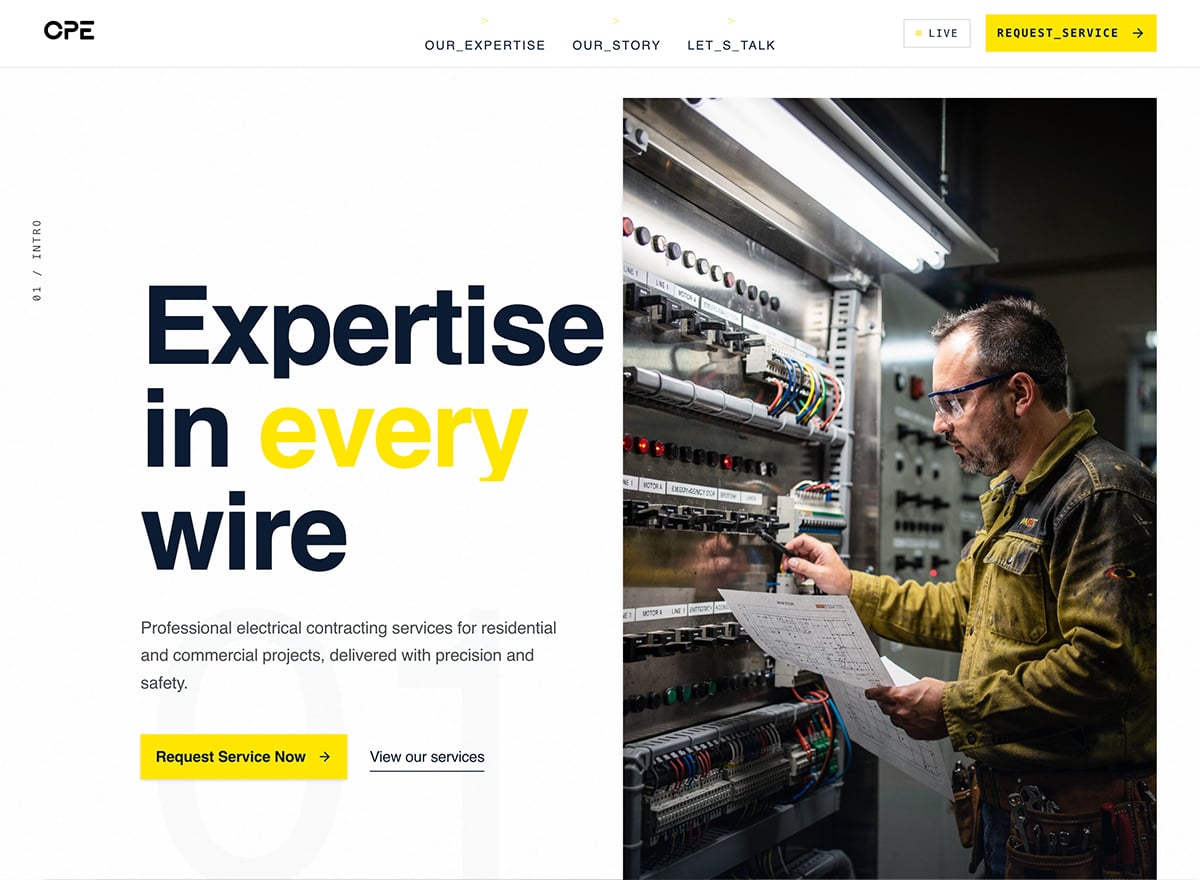
The essentials are your services, licensing and insurance details, a way to request a quote or service call, reviews, and clear, prominent contact info, especially for emergencies. Homeowners want to confirm fast that you're qualified, trustworthy, and reachable. These templates come with those sections in place, so you're filling in your details rather than building the structure.
What electrical services should I list?
Give each service its own clear space, wiring, panel upgrades, installations, repairs, inspections, so customers can confirm you handle their exact issue. People usually search for one specific job, so dedicated service info helps them find it quickly and gives you more pages that can rank for those searches.
How do customers request a service call or quote?
Make it easy to reach you at the point of need. A booking or quote form lets customers describe the job and request a visit, capturing the details you need while their intent is high. You can shape it around how you schedule service calls, and route requests straight to your phone or inbox.
How do I build an electrician website with these templates?
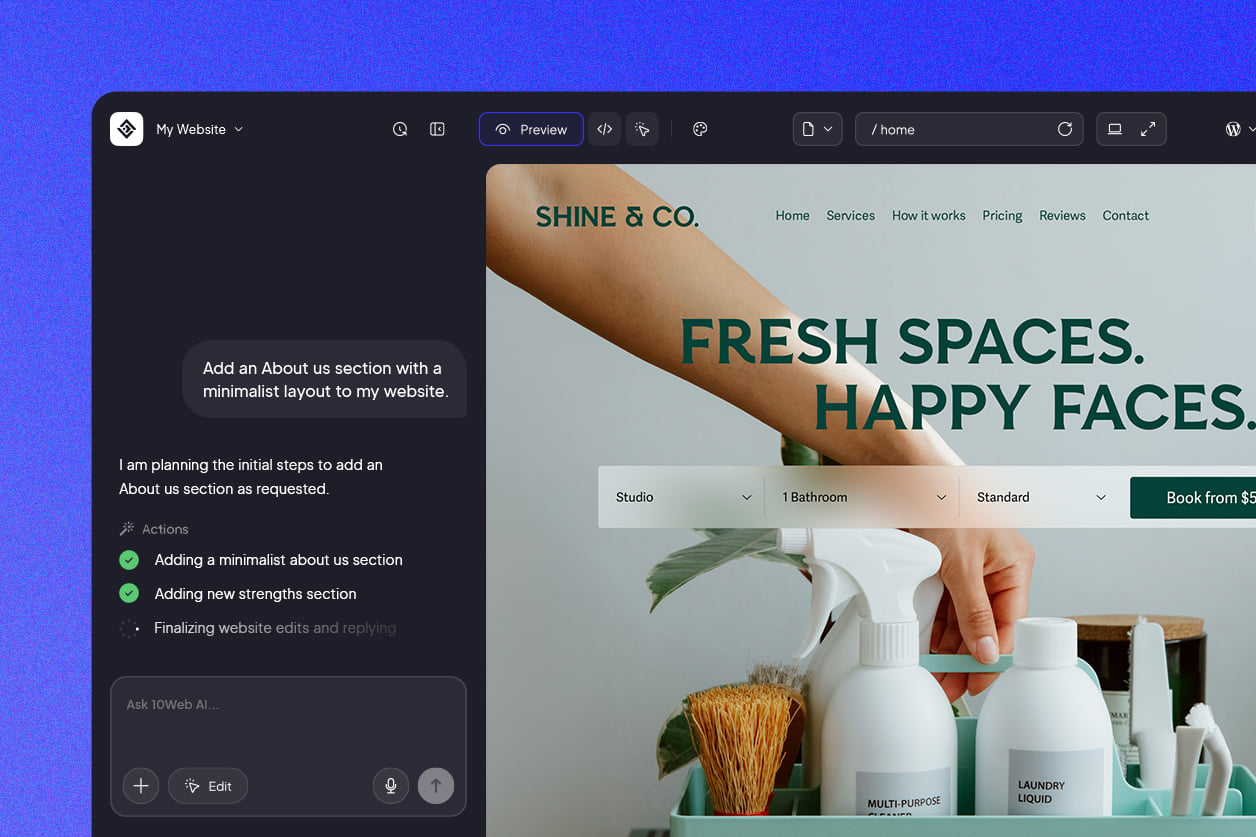
Choose an electrician template to start with, then tailor it to your business in 10Web's AI-powered visual editor, either typing out the changes you want or editing the page directly. There's no coding involved and it runs on WordPress, so most electricians are live the same day. When your services or contact details change later, updating them is a quick, few-minute job.
Will local customers find my electrical business on search engines?
Most people looking for an electrician search locally and often in a hurry, with terms like "electrician near me" or "emergency electrician in [city]." Since these templates come with fast, clean, search-ready pages, you're starting on solid footing, and weaving your services, coverage area, and emergency availability into your pages helps homeowners reach you at the moment they need the work done.




 Back
Back


