How do I build a photography studio website with these templates?


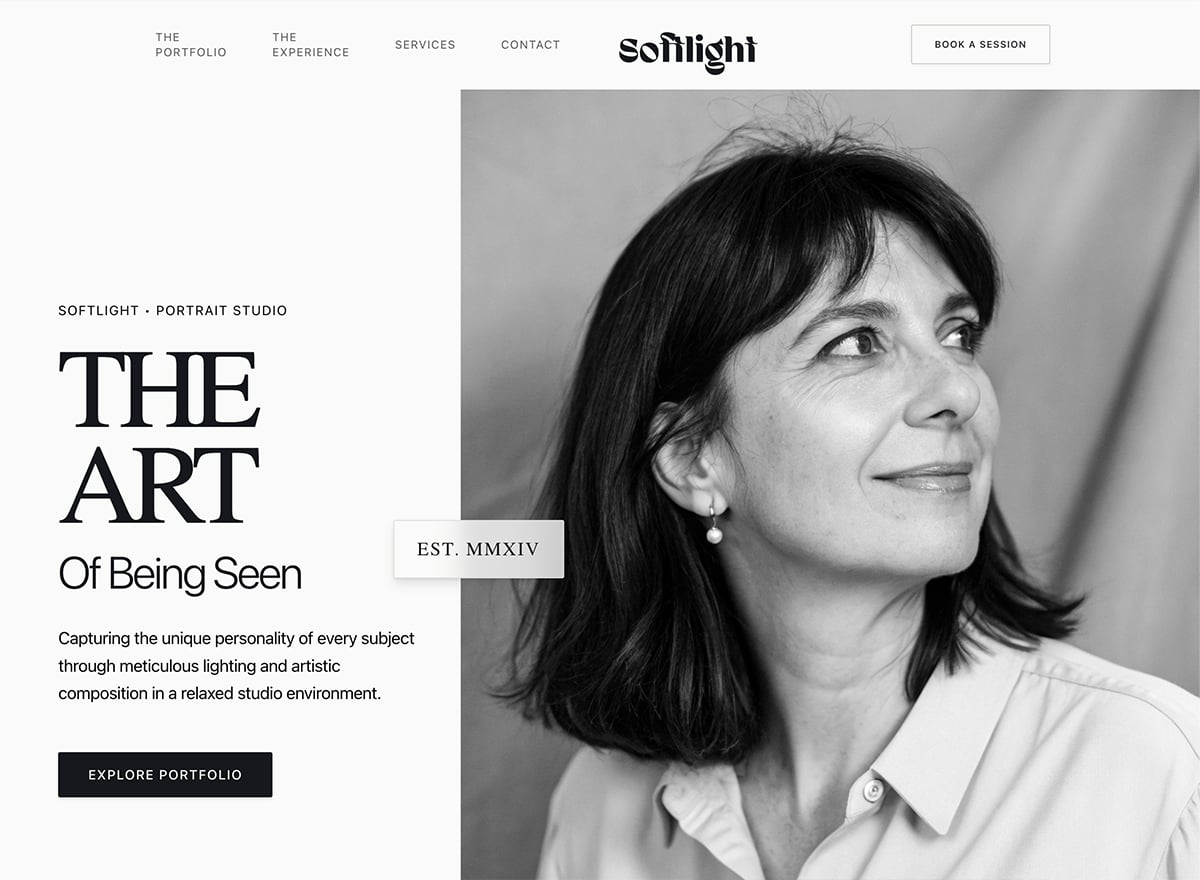
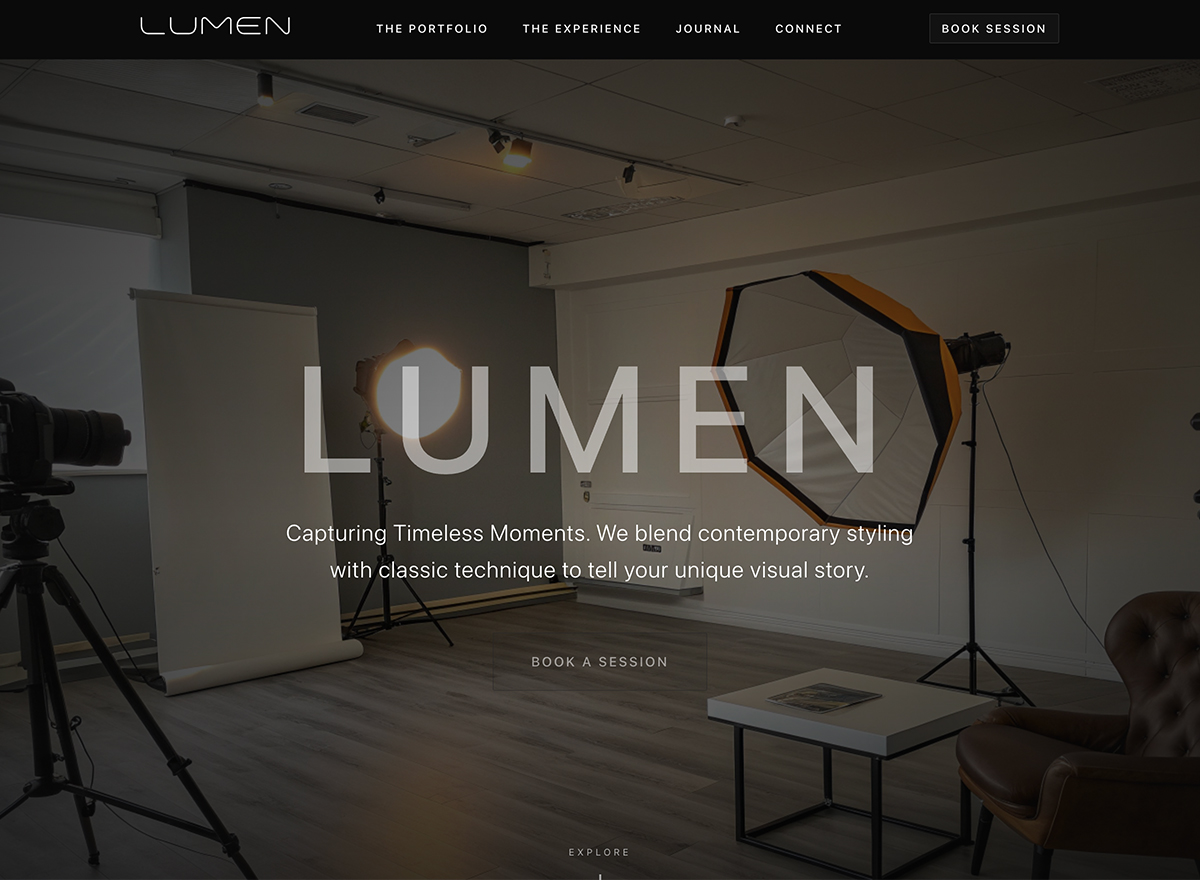
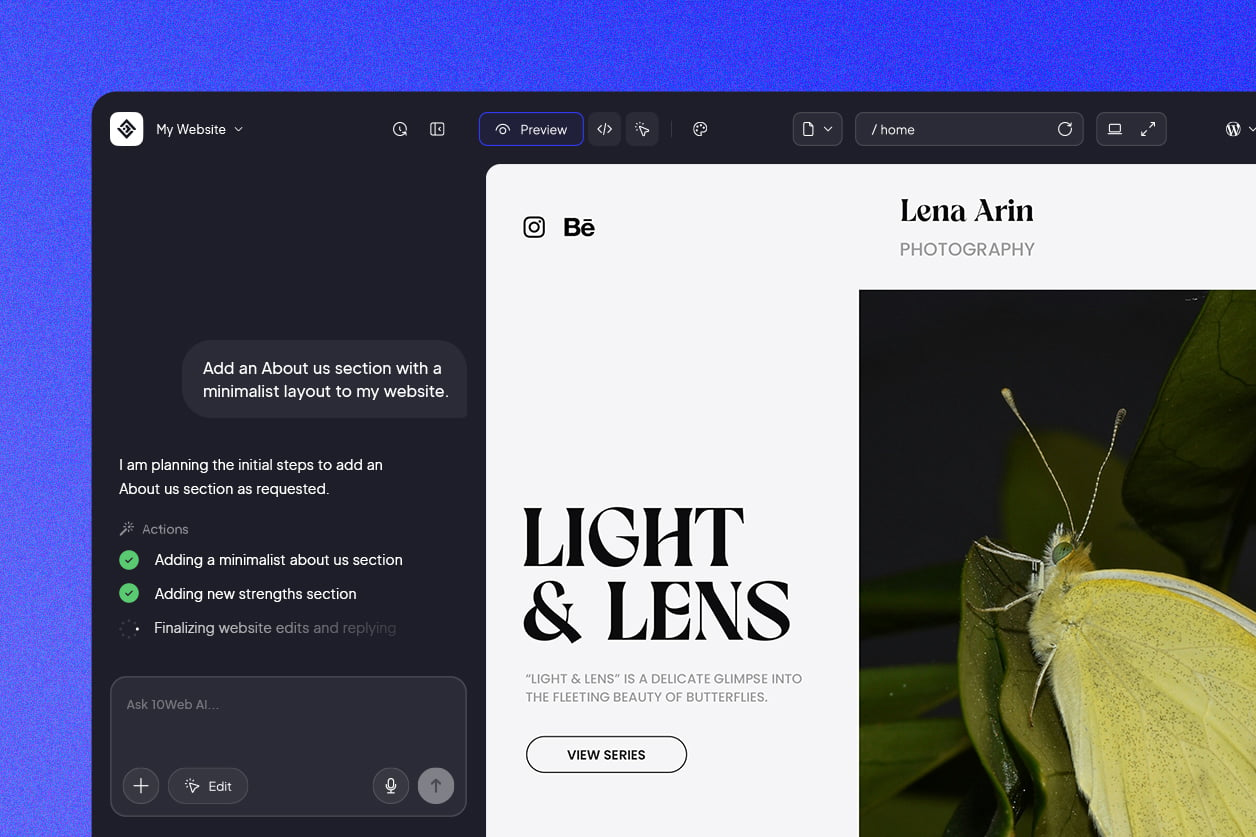
Start from a studio template and make it yours, either by telling 10Web's AI-powered visual editor what to change or editing directly on the page. Most studios get a site live the same day, no code involved. Adding a new service or updating your booking calendar later takes only a moment.
Will people find my photography studio in local searches?
They can. These templates run on clean, fast-loading, search-ready code, so your site has a real shot at ranking soon after launch. Since people look for a studio near them, adding your city, studio address, and services like in-studio portrait or product photography helps you show up when nearby clients search.
How do I present my studio's services and packages?
Lay out each service, headshots, family sessions, product shoots, as its own offer with what's included and a starting price. Clear packages help clients see what fits before they book and cut down on back-and-forth. You can show these as simple package cards and update pricing whenever it changes.
Can clients book studio sessions online?
Absolutely. Built-in booking lets clients choose a session type and an open date on their own, with instant confirmation, so you're not trading messages while you're behind the camera. In the AI-powered visual editor, you set the session types, durations, and available slots to fit how your studio schedules its days.
Can I sell prints and studio products online?
Yes. With 10Web's ecommerce, you can sell prints, albums, and packages straight from your site with secure checkout. That adds a revenue stream on top of your sessions. You manage products, prices, and orders in one place.




 Back
Back

