How do artists book studio time online?


Booking lets artists see availability and reserve session time themselves, without back-and-forth over messages. Since a studio earns by the hour, making it easy to book directly keeps your calendar full. You set the available times, room options, and session lengths to match how the studio runs.
How do I show off my studio and equipment?
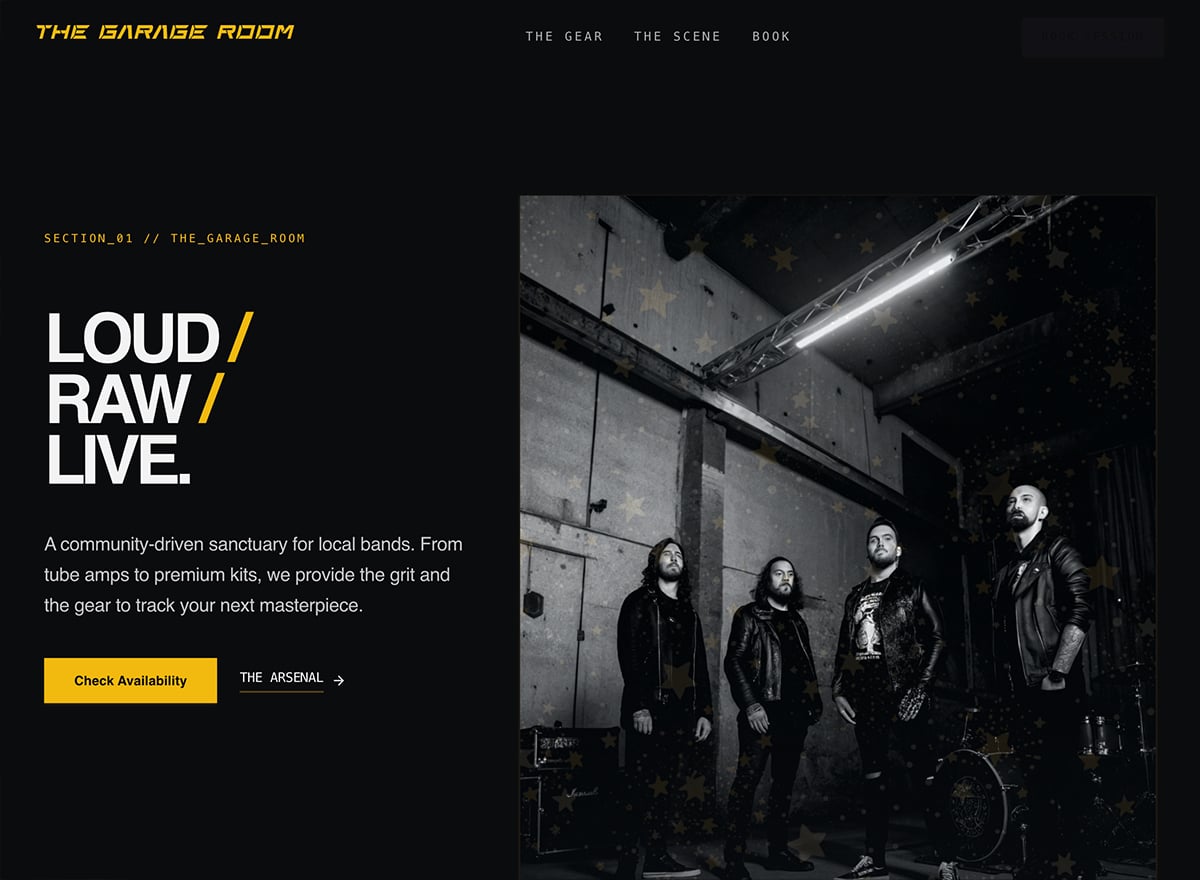
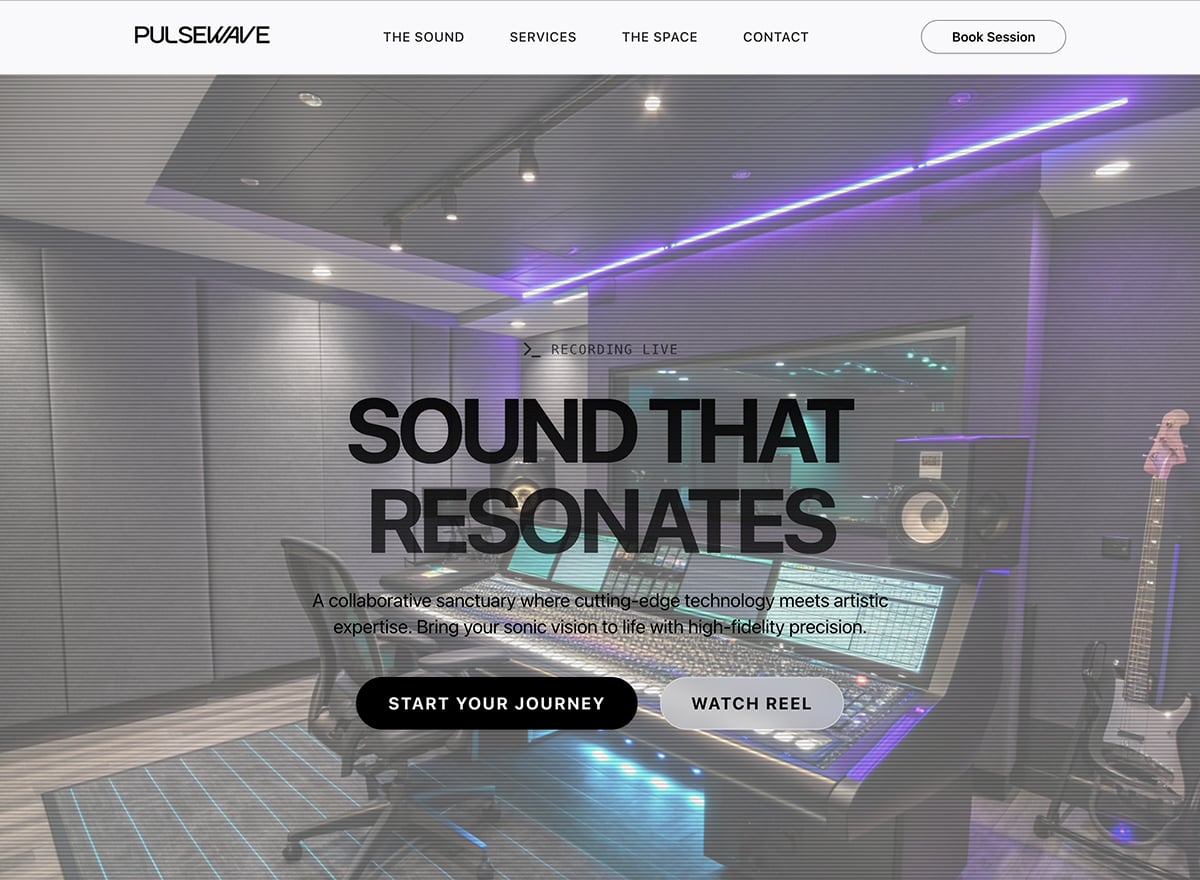
Galleries and gear lists let you showcase your rooms, equipment, and setup, which is exactly what artists judge before booking. Serious clients want to know your mics, consoles, and monitors measure up. Presenting the space well, with strong photos, does a lot of the selling.
Can I list my rates and session packages?
Clear pricing filters your inquiries, so the templates give you space to lay out hourly rates and packages, recording, mixing, mastering, with what each includes. Upfront rates help artists match a package to their budget and bring better-fit bookings. You present these as simple package sections.
How do I build a music studio website with these templates?
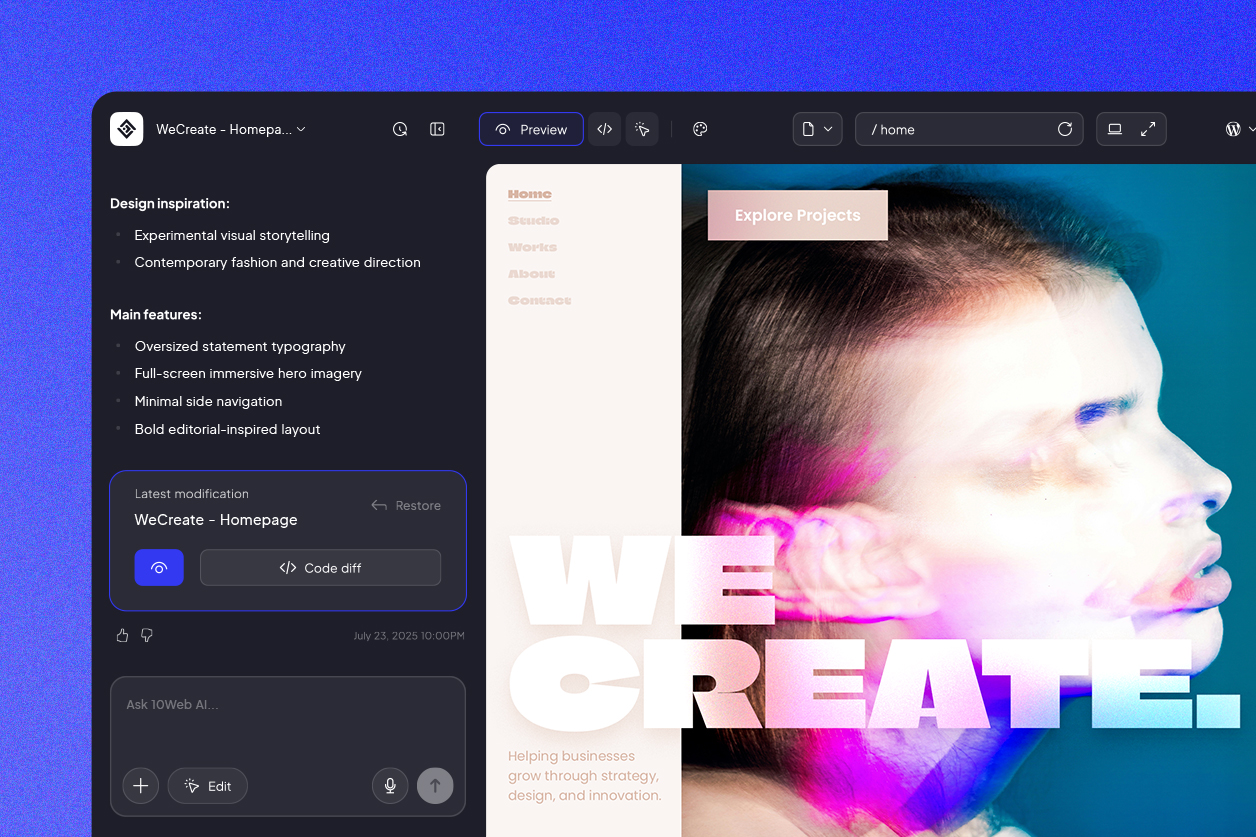
Pick a studio template to begin, then make it your own inside 10Web's AI-powered visual editor. There's no code involved and it runs on WordPress, so most studios go live within the day. Later on, refreshing your rates, gear list, or open session times is just a quick edit.
How will artists find my studio on Google?
Artists search locally, "recording studio in [city]" or "studio near me." With fast, clean, SEO-ready pages as a base, adding your location, rooms, and services like mixing or mastering to your pages helps nearby artists find you when they're ready to book time.




 Back
Back

