How do I showcase my venue's spaces and setup?


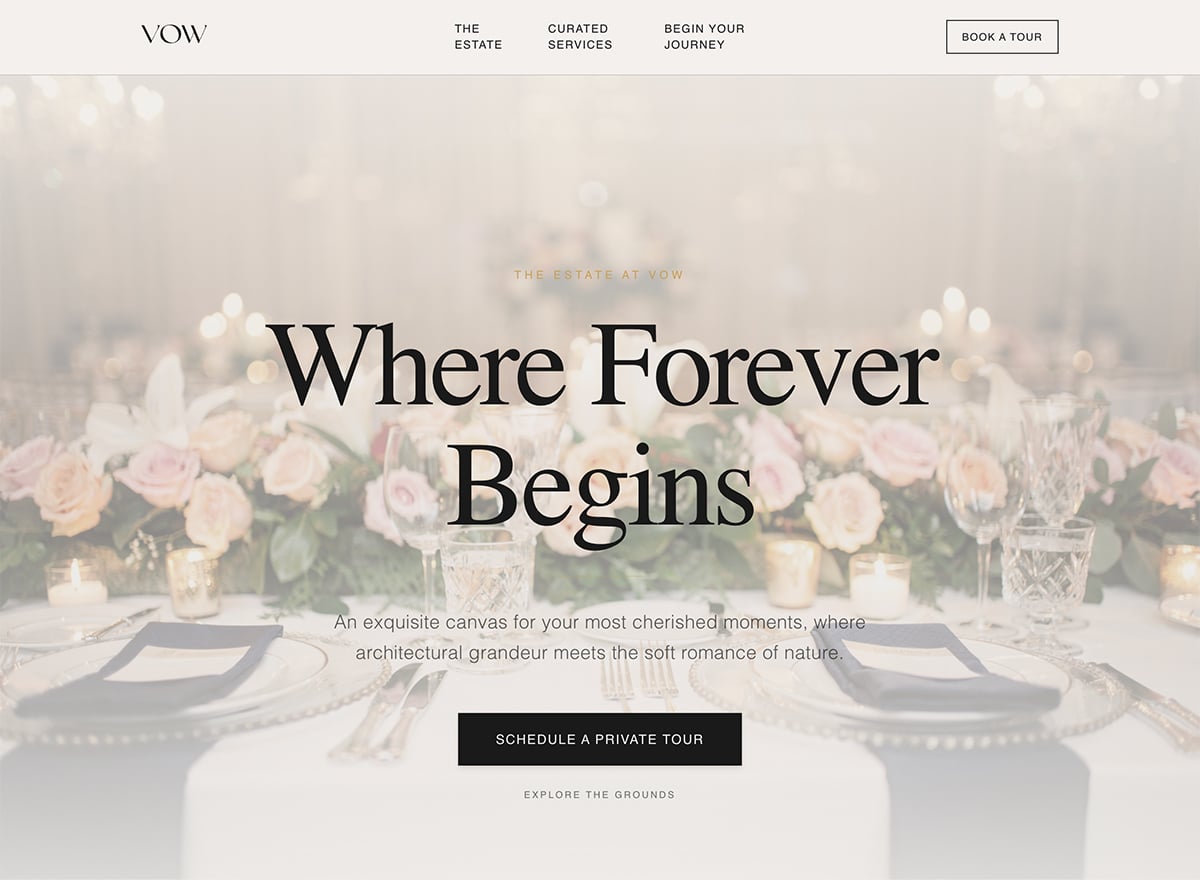
You can present each space, ceremony areas, reception halls, gardens, and outdoor spots, with galleries and descriptions, so couples picture their day there. Strong photos of real weddings do most of the selling for a venue. You organize these spaces and images in the editor so your best areas lead.
Can couples book a venue tour or inquire online?
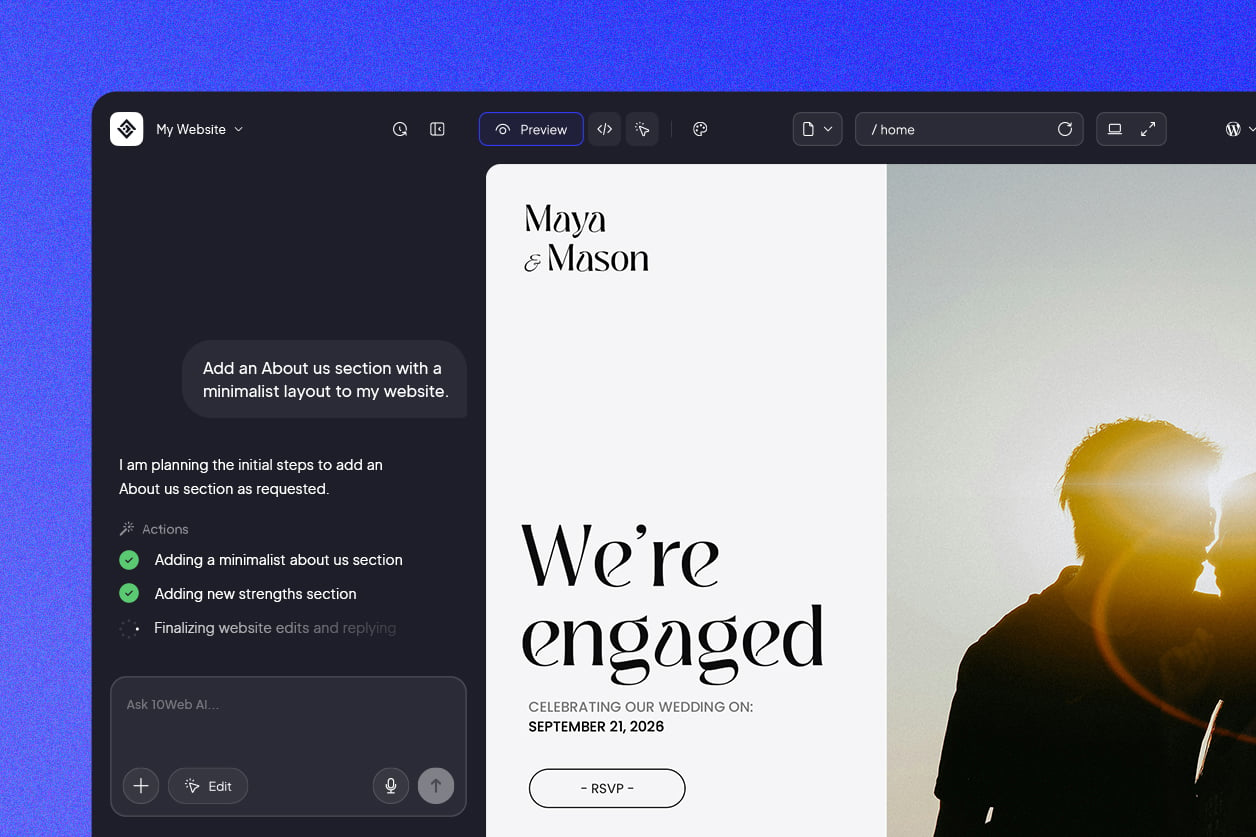
Yes. These templates include an inquiry and tour booking section, so couples request a visit or check a date right from the site, with the details you need to follow up. Since couples reach out to several venues at once, an easy request form helps you catch them first. You set the fields and available times in the AI-powered visual editor.
Can I show my wedding packages and pricing?
You can lay out your packages, venue hire, catering, seating capacity, and add-ons, with starting prices, so couples match an option to their budget and guest count. Clear packages attract better-fit inquiries and cut back-and-forth. You present these as package sections and update them anytime.
Can I include an availability calendar for dates?
You can show availability or let couples ask about specific dates, so they quickly see whether their day is open. Since weddings book far ahead, making date-checking easy speeds up decisions. You set this up in the editor to match how you manage your calendar.
How should I display capacity and layout details?
You can show capacity for each space, seated and standing, along with floor plans and layout options, which is one of the first things couples check. Getting this in front of them early filters out mismatched inquiries. The sections are already in place and ready fro you to edit.




 Back
Back


