
How do I show my vehicle inventory online?


The templates are built to display an inventory, so each vehicle gets its own listing with photos, price, mileage, and specs in a consistent layout. Buyers do most of their shopping online now, so a clear, browsable stock list is the core of a dealer site. You add and remove vehicles as they come and go, without touching the design.
Can buyers search and filter the cars I have?
Yes. Shoppers can filter your stock by make, model, price, year, and more, so they reach the right vehicles instead of scrolling everything. When someone's after a specific car, easy filtering is what keeps them on your site rather than a competitor's. The listing structure is built to support that kind of browsing.
What builds buyer confidence in a dealership?
Reviews, your dealership's story, warranty and certification details, and clear photos of both cars and premises all reassure someone making a large purchase. For a big-ticket decision, visible trust is often the deciding factor between you and another lot. These have their place across the site.
What's involved in getting the car dealership site live?
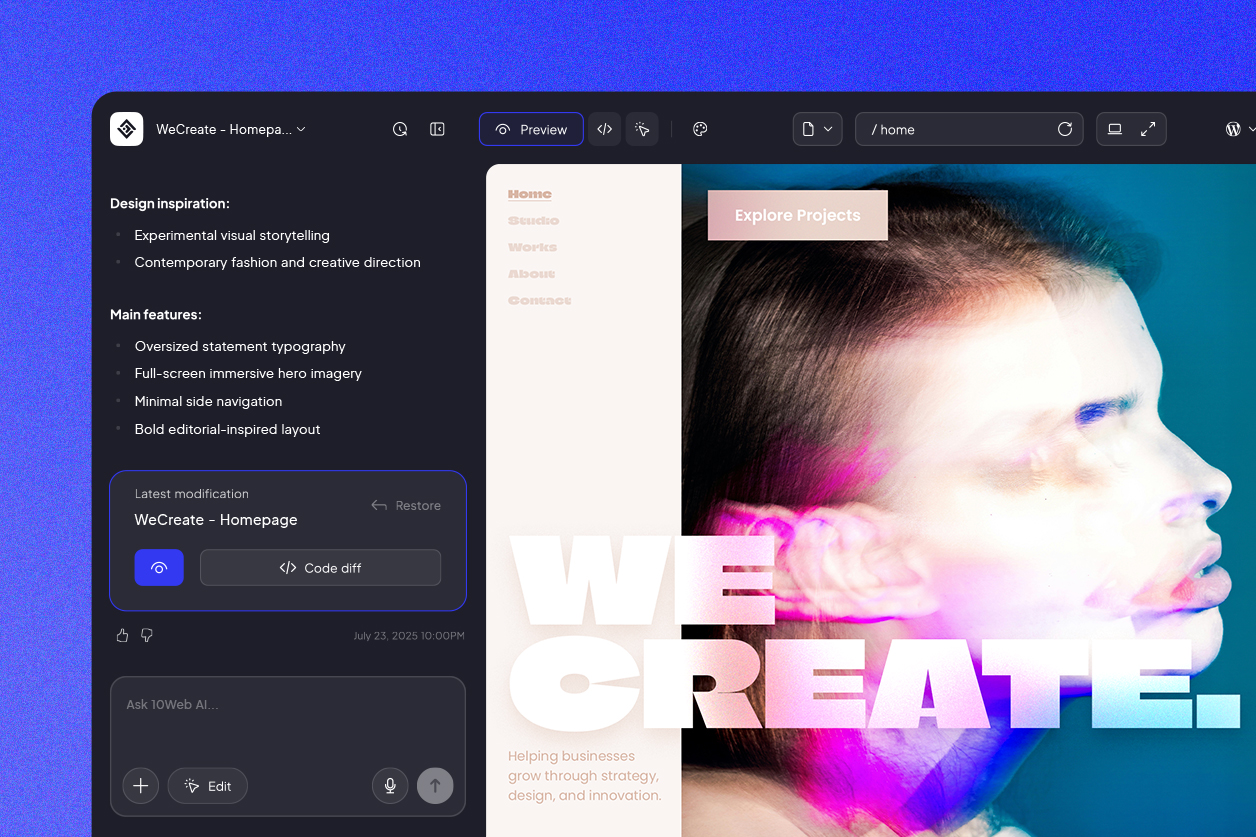
You start from a dealer template, tailor it in 10Web's AI-powered visual editor by describing changes or editing on the page, and publish, no code, built on WordPress. Most dealers launch the same day, and updating your inventory or adding a listing afterward is a routine, few-minute task.
How do local buyers find my dealership online?
Buyers search by vehicle and location, "used cars in [city]" or "[make] dealer near me." Built on fast, search-ready pages, your site starts with a real chance to rank, and putting your location, makes, and models throughout it helps the right buyers find your lot as they shop.




 Back
Back

