What should a personal trainer website include?


The key parts are your services, a booking option, pricing or packages, client results and testimonials, an about section, and clear contact details. A blog with fitness tips helps you get found too. The goal is that a visitor understands what you offer and books or reaches out fast. These sections come ready in the templates for you to fill in.
Can I offer online coaching, not just in-person sessions?
Yes. You can present online coaching as its own service, with details on how it works, check-ins, video calls, or app-based plans, so clients anywhere can sign up. This lets you grow past your local area and train people on their own schedule. You lay out the online and in-person options as separate offers in the editor so each is clear.
Can I sell training plans and packages on the site?
Yes. With 10Web's ecommerce, you can sell session packages, custom workout or meal plans, and memberships right on your site with secure checkout. Clients pay up front, so you spend less time chasing payments. You manage products, prices, and orders in one place.
How do I build a personal trainer website with these templates?How do I build a personal trainer website with these templates?
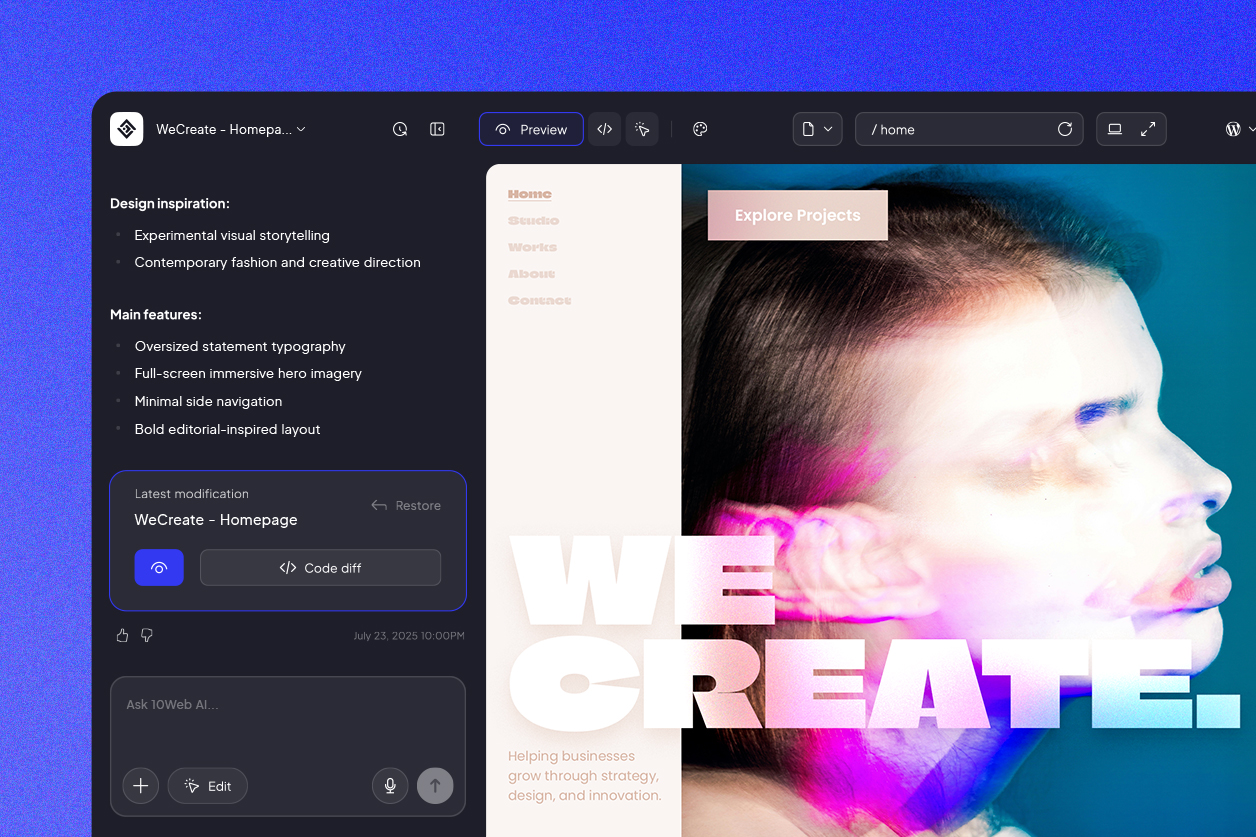
Start from a trainer template and make it yours: tell 10Web's AI-powered visual editor what to change in plain words, or click into the page and adjust things directly. Most trainers have a site live the same day, without touching code. And since your offers and schedule shift over time, adding a package or dropping in a fresh client win later takes only a moment.
Will local clients find my training business on Google?
They can. These templates load fast and come with clean, search-ready code underneath, which gives your site a real chance at ranking soon after launch. Most people hunting for a trainer search close to home, so naming your city, the areas you cover, and services like one-on-one or online coaching helps you turn up right when a nearby client is ready to commit.




 Back
Back

