
Not long ago, editing a website meant digging through menus, adjusting layouts manually, and constantly fixing mobile designs. Even small changes could require navigating multiple settings or relying on a developer.
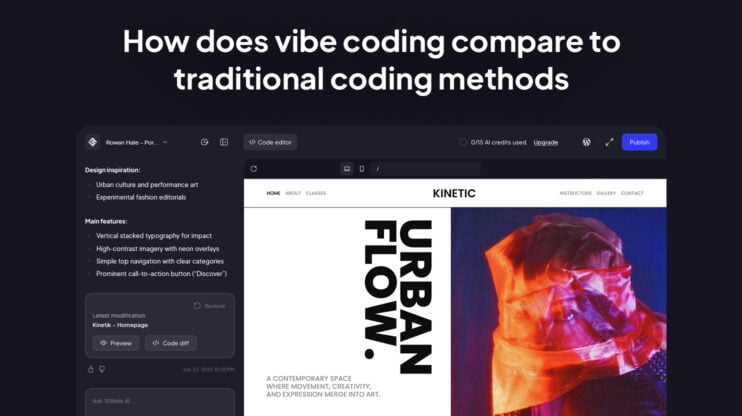
The 10Web AI chat-based website editor changes that workflow. Instead of manually editing layouts, pages, or navigation, you simply describe what you want in natural language, and the editor applies the changes directly to your website.
This approach is powered by an agentic website builder, where multiple AI agents coordinate behind the scenes to handle tasks like structure updates, layout adjustments, content changes, and functional configuration.
In this system, the chat-based editor itself acts as a dedicated editing agent. It receives requests from the user, interprets the intent, and executes the necessary changes on the website. Behind the scenes, it coordinates with other agents responsible for structure, content, and functionality, ensuring each edit is applied correctly across the live site.
Agentic Website Builder: transforming intent into production websites
The power of an agentic website builder becomes most visible inside the editor. Instead of manually rebuilding layouts, adjusting containers, or navigating complex settings, you describe the outcome you want and the editor applies the change.
The 10Web AI chat-based editor translates natural language requests into real updates to your website structure, layout, and content. Behind the scenes, AI agents coordinate to interpret your prompt and implement the change directly in the live site environment.
Unlike many AI tools that generate only prototypes or front-end mockups, the 10Web AI Website Builder works inside a production-ready WordPress stack. Every change made through the editor affects a real, launch-ready website.
At the center of this experience is a conversational editing environment that combines three workflows:
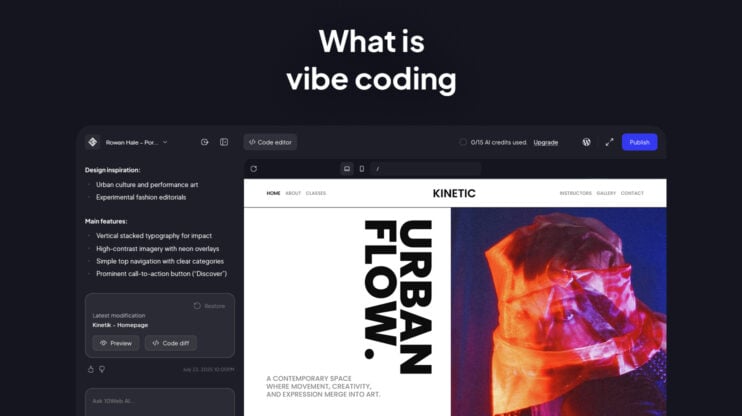
- Vibe coding for websites: Natural-language chat for broad transformations and structural edits.
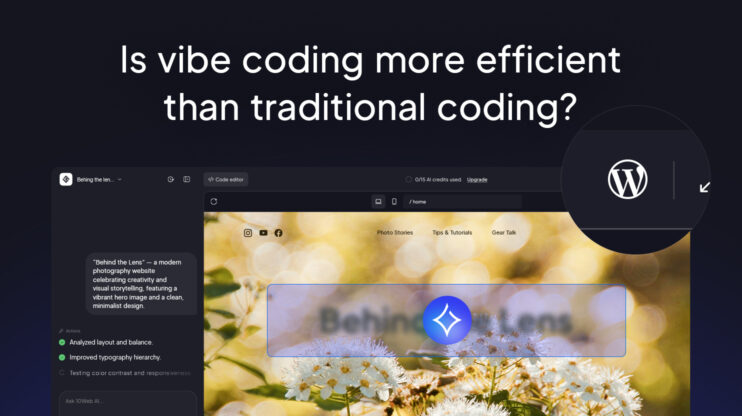
- Visual editing: refine layout, spacing, typography, and component styling directly in the interface.
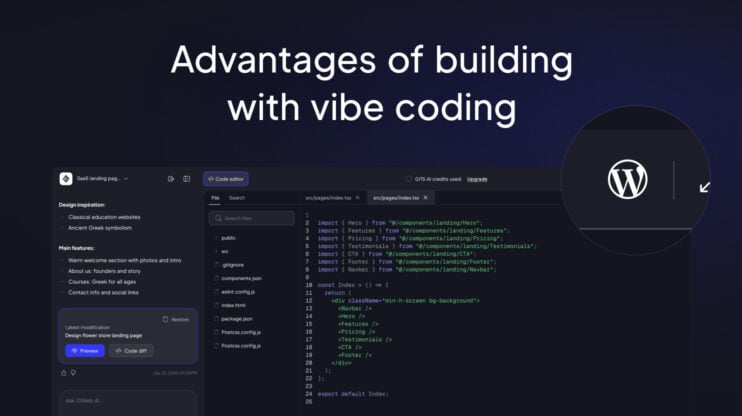
- Code editing: The freedom to manage the React files of your website
Because the builder is AI-native, the editor agent works directly on the actual site architecture, executing the changes requested through chat. You can generate dynamic functional sections, like forms, booking calendars, and ecommerce layouts, using Custom Post Types, which allows the site to grow through extensions rather than requiring a total rebuild as your needs evolve. This lets you launch in hours rather than weeks without sacrificing the professional flexibility of a managed WordPress stack.
Site-level structure: pages and navigation
While page-level structure is the skeleton of a single room, site-level structure is the blueprint for the entire building. It’s the architectural map that defines how your pages are categorized, how they link together, and how a visitor flows through your site via the navigation menu.
In traditional workflows, changing this map is a chore—it usually involves digging into the website control panel to manually create pages, manage parent-child hierarchies, and update menu links one by one. With an agentic website builder editor, you manage these site-wide operations through the same natural-language chat you use for design.
Imagine you’re halfway through a build and realize your Services section is too broad. To fix the site structure, you don’t need to manually navigate the backend. You simply type into the AI-based editor:
“Split the Services page into three separate pages: Web Design, SEO, and Content Strategy. Create them in draft mode and add them as a dropdown under ‘Services’ in the main navigation.”
You’ll get the initial page structures and the technical plumbing of your navigation menu automatically.
Structural edits in practice
Structure is the underlying framework of a page—how sections are organized, how content blocks relate to each other, how containers are nested, and how the hierarchy flows from top to bottom. It is the skeleton of the page.
In a traditional workflow, changing this skeleton is a manual, pixel-by-pixel grind. With an agentic website builder, the conversational editor becomes a technical partner that understands your intent and translates it into production-ready architecture.
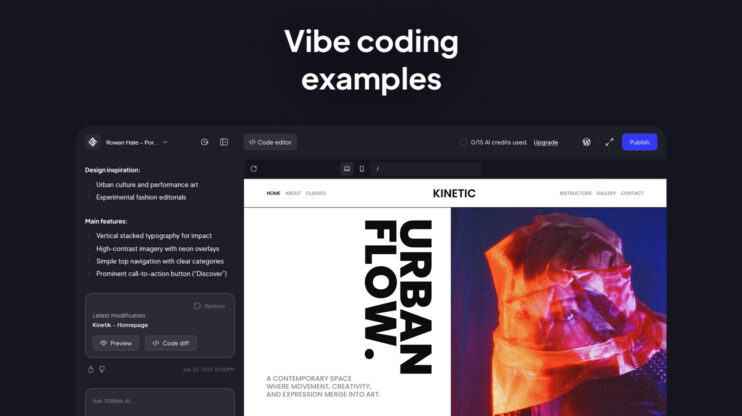
Here is how that interaction looks in real-time:
1. Refining aesthetics via chat
Imagine the AI has generated a clean hero section, but it feels too symmetrical and safe. You want a more intentional, organic layout. Instead of hunting through nested menus to adjust grid settings, you open the AI chat window within the editor and type:
“Make the hero layout more organic. Use one larger primary image and offset the second image slightly lower, with asymmetrical spacing.”
Because 10Web uses an AI-native editing approach, the AI chat-based editor doesn’t just move a few elements; it recalculates the grid proportions, updates the padding, and ensures the new asymmetrical design remains responsive across desktop and mobile. You aren’t just editing a mockup—you are instructing the AI to rewrite the site’s structural logic and code.
2. Fast-tracking functional changes
The true strength of a hybrid editing workflow is the ability to handle complex admin and functional tasks that usually require a developer. If your Services section feels too dense or you need to reorder your page flow to convert visitors better, you can simply prompt the AI chat-based editor to execute the change:
“This section feels crowded. Convert the three-column layout to two columns and move the entire FAQ block above the testimonials.”
The text-to-code editor instantly restructures the containers and adjusts the flow. This eliminates the back-and-forth of manual implementation, allowing you to move at the speed of prompts while still retaining the option to use the visual editor for pixel-level precision.
By operating directly on a real website stack, these vibes become immediate, high-performance production realities.
Generate and regenerate sections
Staring at a blank screen, wondering where the first header should go? The 10Web Agentic Website Builder eliminates this friction by moving you from a single prompt to a production-ready foundation in minutes.
Here is how the AI editor handles the transition from initial generation to high-fidelity refinement. By providing a prompt to the AI, it builds the initial page structure, generates on-brand copy, and places relevant imagery:
For instance, you can say:
“Create a minimalist hero section for a luxury watch brand with a centered headline and subtle CTA.”
It builds the structure, generates on-brand copy, and places relevant imagery. If the tone feels slightly off, you ask the AI editor:
“Make it more editorial and less sales-driven.”
Instead of changing individual elements, you iterate on intent. You can also regenerate a section to explore alternatives — a new layout, different spacing logic, or a stronger CTA hierarchy — without rebuilding manually.
Editing from references: URL, screenshot, Figma link, code
Sometimes the best starting point isn’t a prompt, but a reference you already love. 10Web provides fast-onboarding paths to turn external inspiration into editable site foundations. You can go in these directions:
- URL-to-site cloning: Paste the URL of a layout you admire. The AI analyzes the reference, interprets the structure, and rebuilds a version inside your site that you can then adapt to your brand colors and content.
- Figma-to-website conversion: If your design is already approved in Figma, you can convert it directly into a production site with an editable structure. This removes the traditional “handoff friction” between design and development, allowing you to launch significantly faster.
By processing your prompts, references, and the visible viewport simultaneously, the chat editor ensures that every change is a functional, production-ready reality rather than a static prototype.
Visual editing
Vibe coding for websites is powerful when you want to reshape a page’s architecture. But sometimes, you don’t want to rethink the structure. You just want to refine what’s already there. 10Web’s visual editor is specifically designed for these types of tasks. Imagine you’re reviewing a finished page. The layout works. The hierarchy makes sense. But a few elements feel off.
Visual editor in practice
You click on a feature list. It’s stacked vertically — clean, but predictable. You decide it needs more movement.
Instead of rebuilding it manually, you select the section and type:
“Turn this into a horizontal slider with subtle navigation arrows.”
It modifies the selected block. It swaps the structure within that widget, preserves your content, and updates the component logic — all without touching the rest of the page. You stay focused on the outcome, not the mechanics.
Or maybe you’re working on a restaurant’s About page. The copy is strong, but the hero image feels generic.
You select the image and write:
“Regenerate this to feel more like a cozy Italian bistro — warm lighting, wood textures, intimate atmosphere.”
Within the context of that page, the chat-based editor updates the asset to better match the tone and brand. You’re not leaving the editor, not searching stock libraries, but iterating in place.
Content precision
In a traditional builder, editing a single line of text can often trigger a break-fix cycle where your entire layout shifts and ruins the alignment. The 10Web Agentic Website Builder solves this by decoupling content from structure. This means you can fine-tune your copy or swap images with precision, knowing the underlying architecture and spacing will remain perfectly intact.
By highlighting a specific block and interacting with the AI chat, you can apply edits to your copy. You can say:
“Make this more conversational and shorten it by 30%.”
The chat-based editor rewrites only that selected block. The structure stays intact. The spacing holds. You refine the tone without disturbing the layout.
This is the difference between rebuilding and refining. With visual editing and the AI chat-based editor, you can easily tune the details — adjusting components, images, and copy directly inside the working environment
Extending functionality: plugins and commerce
Up to this point, we’ve been discussing what you see — structure, layout, copy, images. But a real website doesn’t stop at design. It needs SEO, forms, analytics, payments, and product logic. This is usually where things get technical.
If you’ve just generated a clean service website, it looks great, but it misses two things: search optimization and a contact form. Instead of browsing plugin directories and comparing settings screens, you type:
“Install and set up an SEO plugin and add a contact form to the Contact page.”
The editor activates a verified plugin, applies safe defaults, and inserts the form where it belongs. You don’t configure meta fields manually. You don’t adjust SMTP settings from scratch. The essentials are handled for you.
Behind the scenes, it works using a curated allow-lists — meaning it only installs trusted, supported plugins and avoids combinations that could destabilize performance.
Ecommerce in practice
At some point, the project shifts. A simple site turns into an online store. The agentic website builder automatically configures a WooCommerce store, including product structure, checkout flows, and payment integrations. Products are added. Categories are structured. The foundation is solid. But when you look at the default category page, it feels generic—functional, yet uninspired.
You can open the AI chat inside the editor and type:
“Create a cleaner product category layout for summer apparel with larger images and clearer price hierarchy.”
Within seconds, it adjusts the layout. Product images gain more presence. Prices become easier to scan. The visual hierarchy feels intentional. Behind the scenes, the structure remains fully compatible with WooCommerce—you’re improving presentation without disrupting the ecommerce engine that powers the store.
Then you might realize you need something practical, for instance, lead capture. You can open the AI chat and type:
“Add a lead form and send submissions to email and CSV.”
You get the form inserted, the submission logic connected, and the delivery configured. No custom code. No manual webhook setup. No switching between dashboards to piece things together.
Commerce, forms, and extensions stop feeling like separate technical layers. They become part of the same workflow you’ve been using to design and refine the site.
That’s the shift.
The AI isn’t only reshaping layouts. It’s helping manage the operational side of the website—the parts that support sales, capture leads, and handle real business logic—without forcing you into the role of a backend administrator.
One agentic website builder, three editing modes
The 10Web editor agent operates inside a unified workflow that eliminates friction across team roles. Here are the three complementary modes:
- Vibe coding: Natural-language chat for broad transformations and structural edits. Generate pages, reorganize sections, adjust layouts, and request design changes by simply describing what you want. The AI handles structure, content placement, and overall direction.
- Visual editing: CSS-level editing to refine website styles. Users can fine-tune spacing, typography, colors, alignment, and other styling details directly in the visual interface, allowing precise design control on top of AI-generated structure.
- Code editing: The freedom to manage the React files of your website. Advanced users can access and modify the underlying frontend code when deeper customization is needed, ensuring full flexibility beyond AI and visual controls.
This unified workflow means fewer hand-offs and faster iterations. An agency that used to take three weeks to launch a client site can now do it in three days—without sacrificing the quality of a custom build.
Conclusion
The 10Web Agentic Website Builder doesn’t just make website creation easier; it is made of a coordinated system of AI agents that collaborate with your team. Handling the hard part of layout primitives, global styling, and backend integrations, it allows you to focus on what matters: the strategy and the story.
Whether you are building a simple landing page or a complex WooCommerce store, the agentic platform becomes your 24/7 web team, building, optimizing, and maintaining your site continuously.
FAQ
What is the 10Web AI chat-based website editor?
How does the 10Web editor agent work?
Can I manage pages, navigation, and site structure with the AI chat-based editor?
Can I edit sections, images, and text without rebuilding the page?
Can the 10Web AI chat-based website editor work with ecommerce, forms, and other website functionality?